

Vianta
A live floor plan for HomeKit.
See your whole home as a room map, every light, lock, and sensor in its place, then tidy and control it in plain language. On-device by default, Mac first, now on iPhone and iPad. Your home data is never sent to RoxyKovu.

Apple Home, finally tidy.
Apple Home is powerful, but it gets messy fast: duplicate accessories, devices stuck in the wrong room, scenes nobody remembers building, and the one bulb that keeps dropping offline. Vianta gives you two ways out of that. The Room Map shows the whole home as a live floor plan so you can see the mess, and the on-device assistant helps you clean it up. Tell it what you want in plain language, it works out the steps, and it shows you exactly what it will change before anything happens.
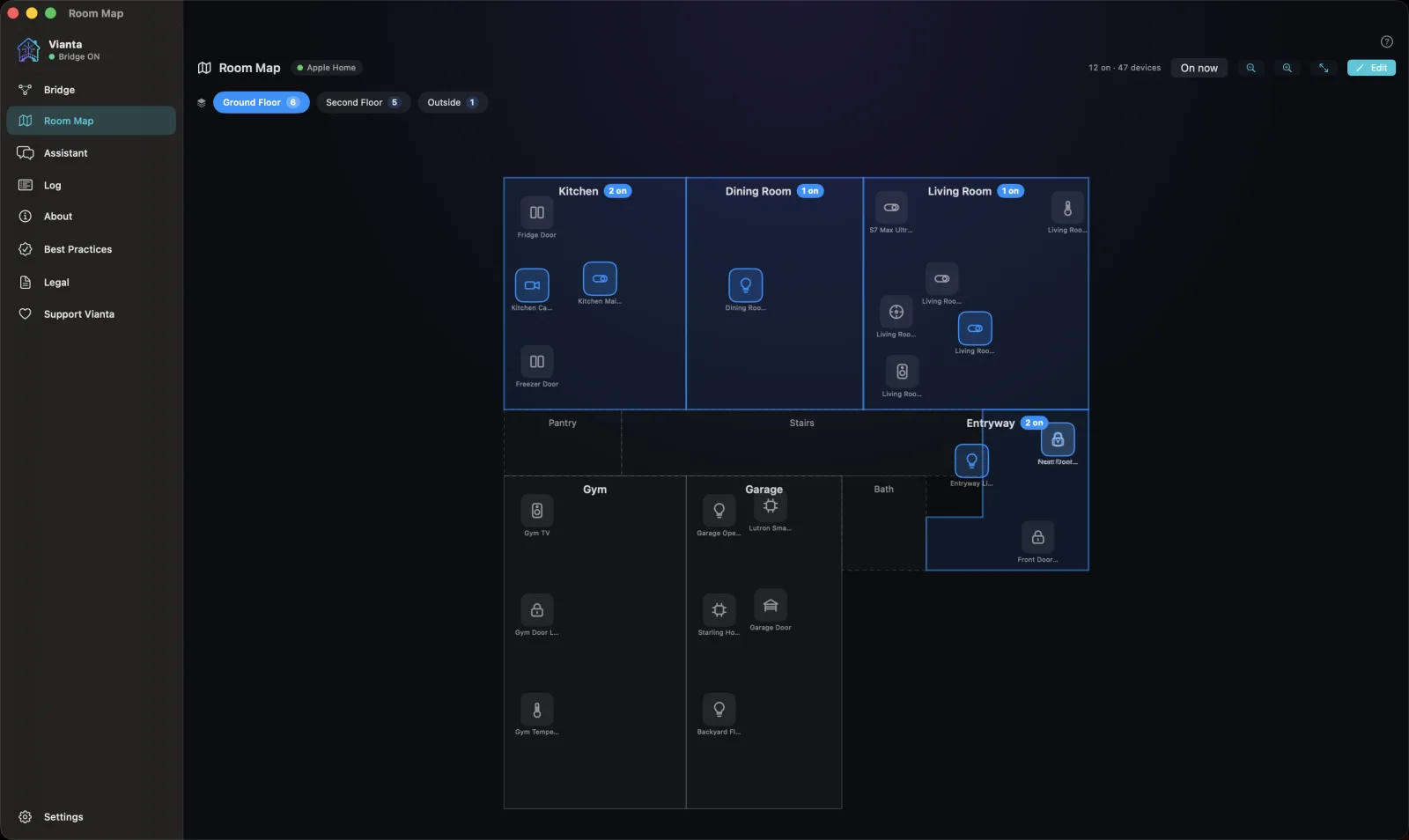
The Room Map.
See your whole home as a live floor plan: every light, lock, and sensor, laid out room by room.
Your home, laid out.
Vianta draws your Apple Home as a floor plan instead of a list. Rooms sit where you put them, and each accessory shows up in the room it belongs to, so a glance tells you what is on, what is locked, and what a sensor is reading right now.
It is the same Home you already have. Nothing new to install, no extra hub, and the map is built on your device from your own HomeKit setup.
Say what you mean.
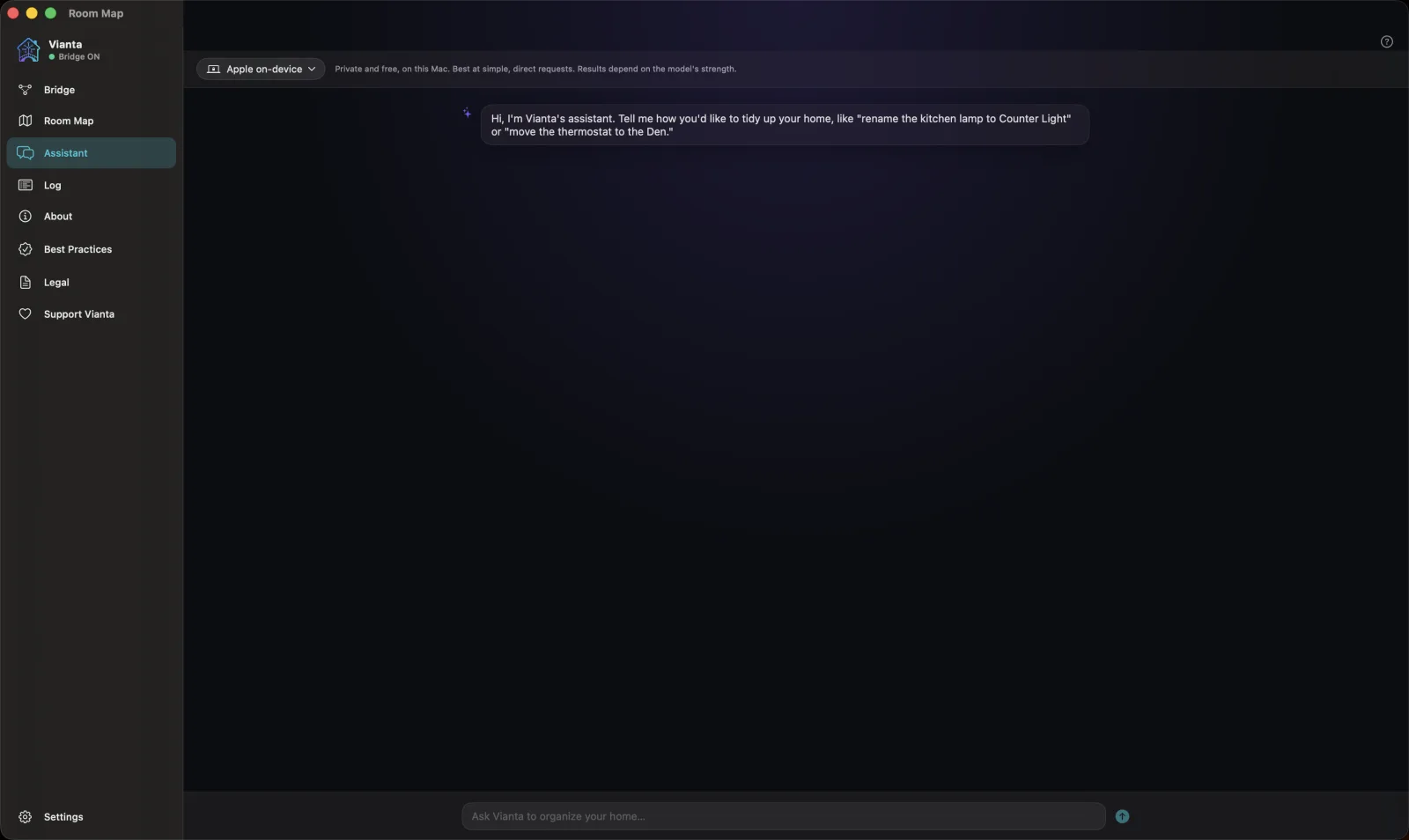
No menus to hunt through, no cryptic device names to memorize. Describe what you want the way you would to a friend, and Vianta works out the rest.
Ask in plain words.
"What's in my kitchen." "Rename the den lamp to Reading Light." "Move the thermostat to the Office." "Is the front door locked?" Vianta reads your Home, answers in plain language, and only acts when you tell it to.
Find any device by what it does.
Not "Living Room Plug 3." Ask "which lights can change color," "list all my locks," or "show me anything that is offline." Vianta surfaces duplicates, dead devices, and exactly what each accessory can control.
It suggests. You decide.
Vianta never touches your Home without a yes. Every change is spelled out first, in plain language, as a checklist you approve.
Every change, on an approval checklist.
- See exactly what will change before it happens.
- Nothing runs until you check the box.
- Risky bulk actions are refused by default.
- Anything that removes something is flagged and confirmed.
Your home data stays yours.
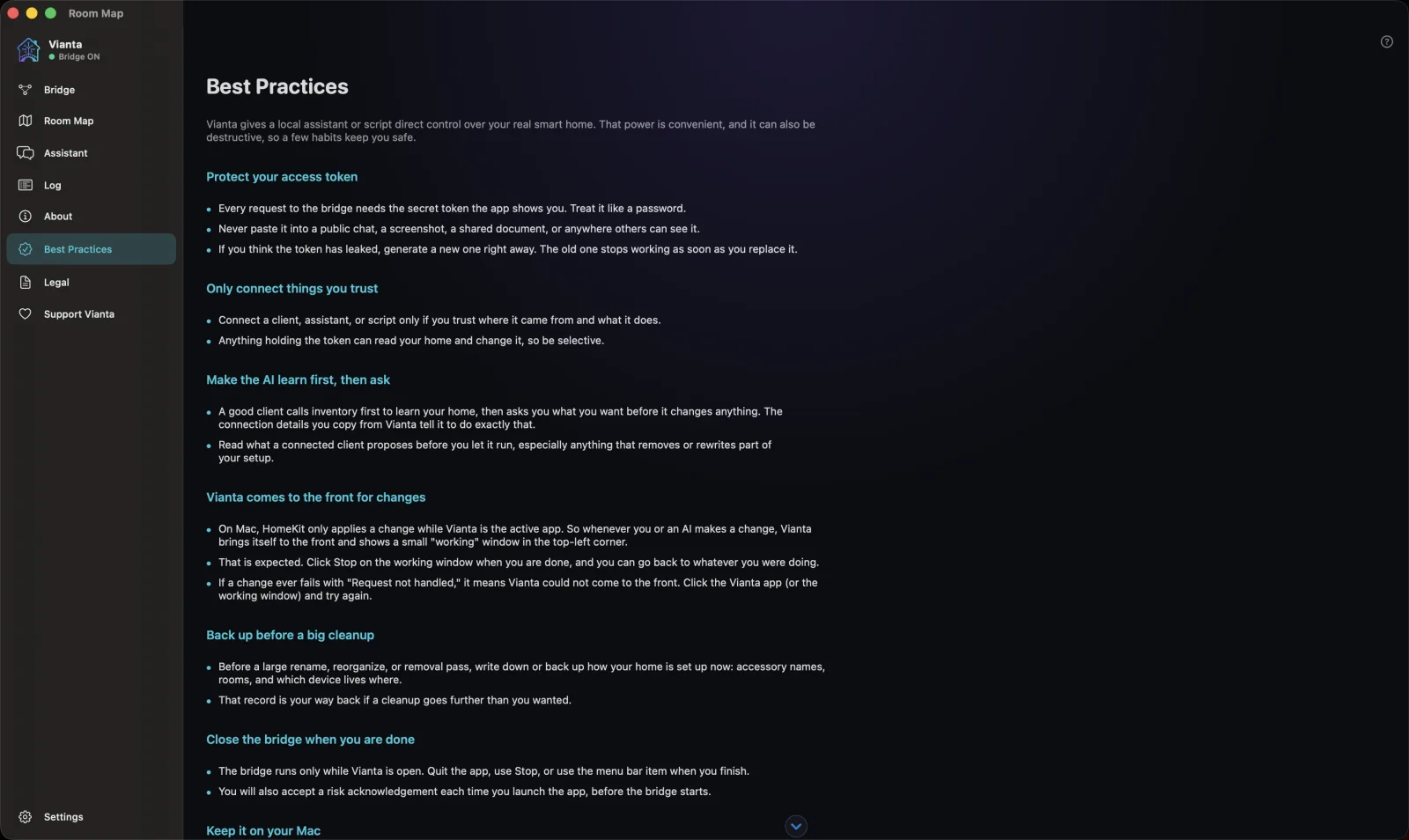
The assistant runs on Apple's on-device model, and Vianta never sends your home data to RoxyKovu. Starting with version 1.0.7 you can turn on Planning with Private Cloud Compute, on iOS 27 and macOS 27 with Apple Intelligence: the words you type can go to Apple's Private Cloud Compute to plan a change, and nothing Vianta reads from your Apple Home goes with them. It is off by default. Versions before 1.0.7 offered optional Room Map iCloud sync through your own iCloud; 1.0.7 removes it and deletes the synced copy.
On-device assistant
Built on Apple's on-device model. No account and no API key. From version 1.0.7, Planning with Private Cloud Compute is there if you turn it on.
Local only
The interface AI tools use sits at 127.0.0.1 and answers only connections from that Mac. It is active only while Vianta is open and gated by a secret token.
No tracking
No analytics, no advertising, and no third-party SDKs watching what you do.
What can leave your device
Feedback you choose to send goes to RoxyKovu with a random per-install ID. From version 1.0.7, if you turn on Planning with Private Cloud Compute, the words you type can go to Apple's Private Cloud Compute, never with anything Vianta reads from your Apple Home. On a Mac, an outside AI tool you connect yourself can read your home through Vianta's local interface: Vianta transmits nothing, and where that tool takes what it reads is set by the tool, not by us. Before 1.0.7, optional Room Map iCloud sync went to your own iCloud. The privacy policy covers each of these in full.
Read the full privacy policy.
As deep as you want to go.
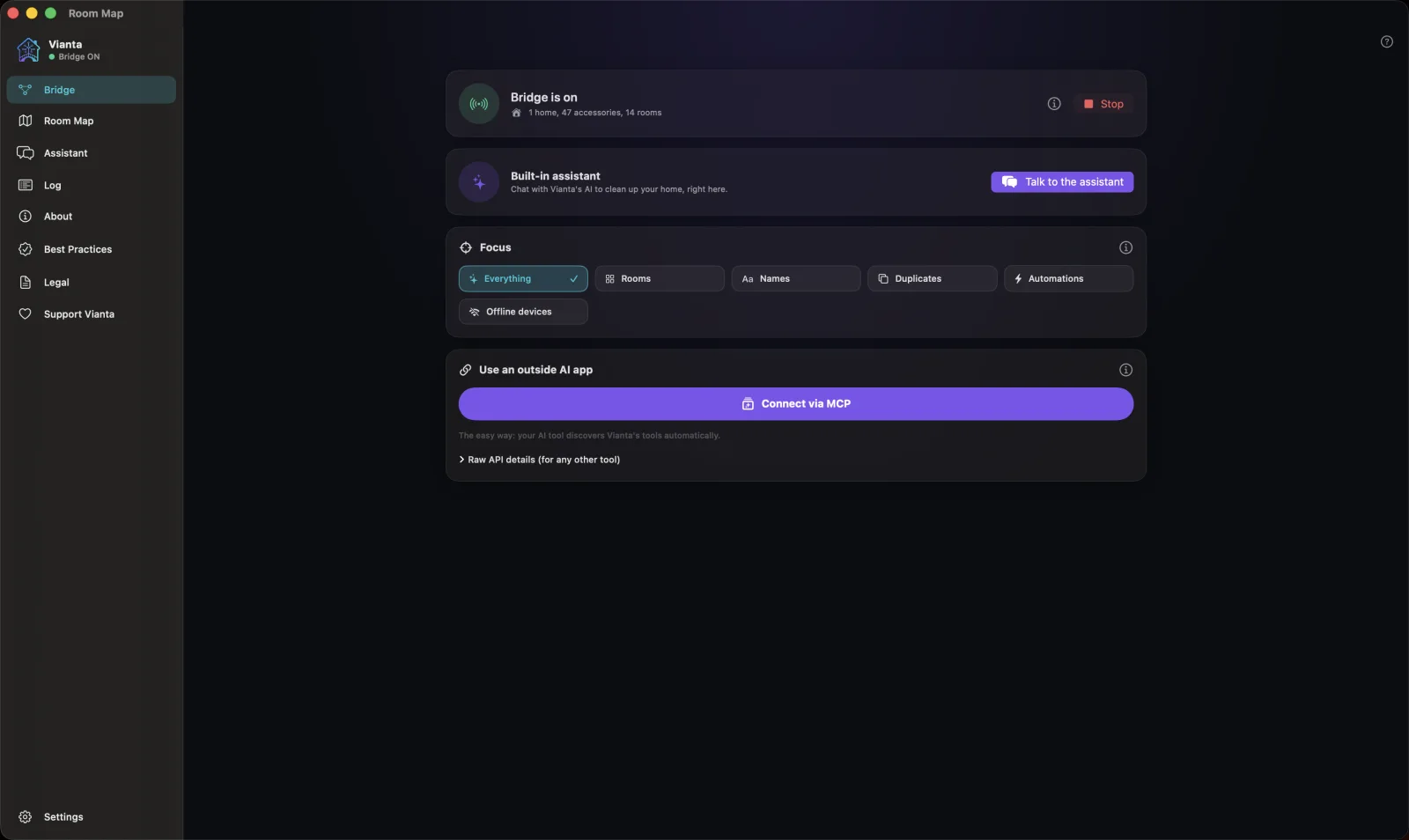
Vianta exposes a clean local interface that AI tools and scripts on your Mac can use, including the open Model Context Protocol. The calm surface most people see goes as deep as you want it to.
Two things, nothing more.
A Mac, iPhone, or iPad with Apple Intelligence
That is what powers the on-device assistant. Mac first, and iPhone and iPad too. No subscription, no cloud account.
An Apple Home you control
Vianta works with the HomeKit setup you already have. No new hub, no extra hardware.
See it in motion.
Real screens from Vianta on macOS, in the order you meet them on the App Store.
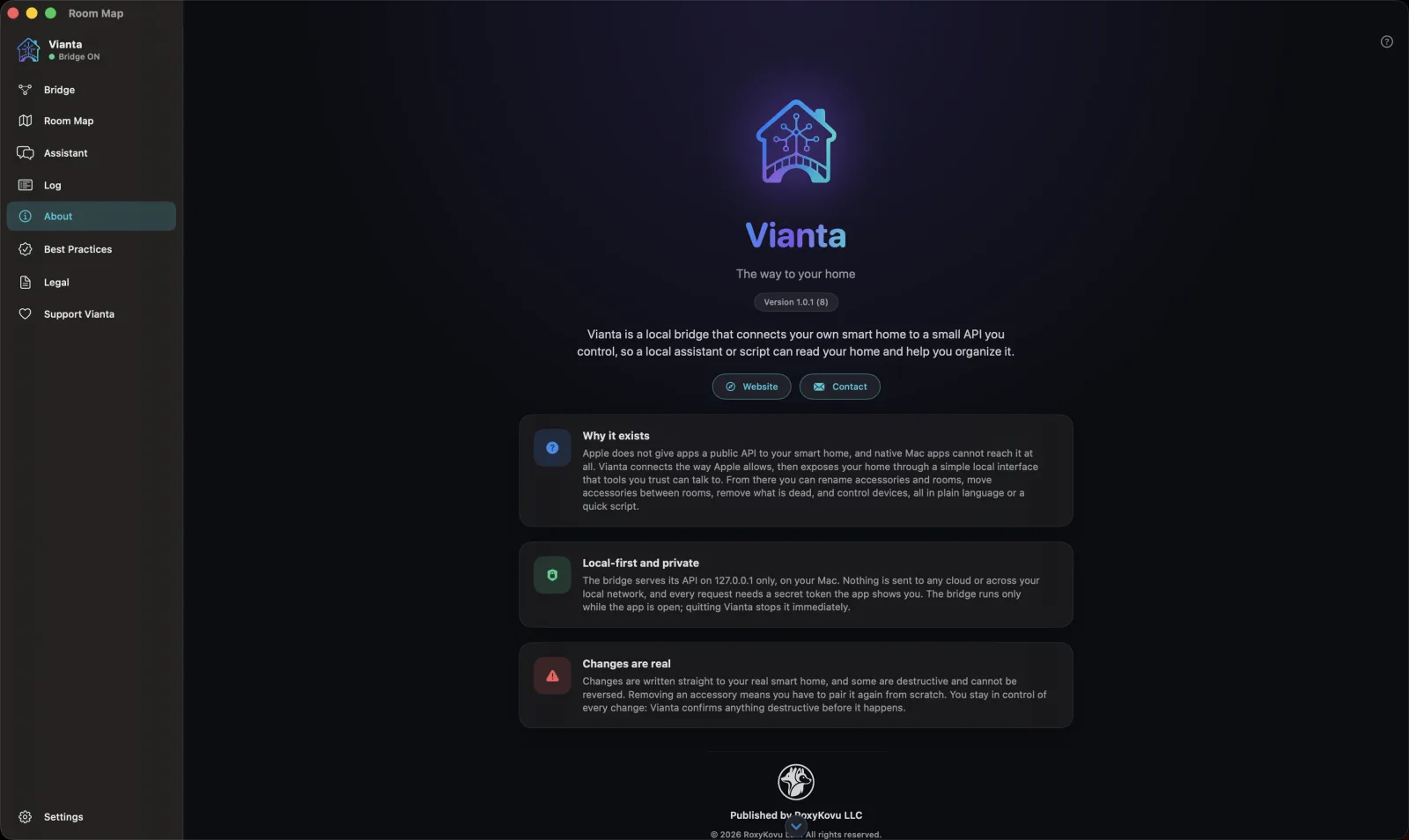
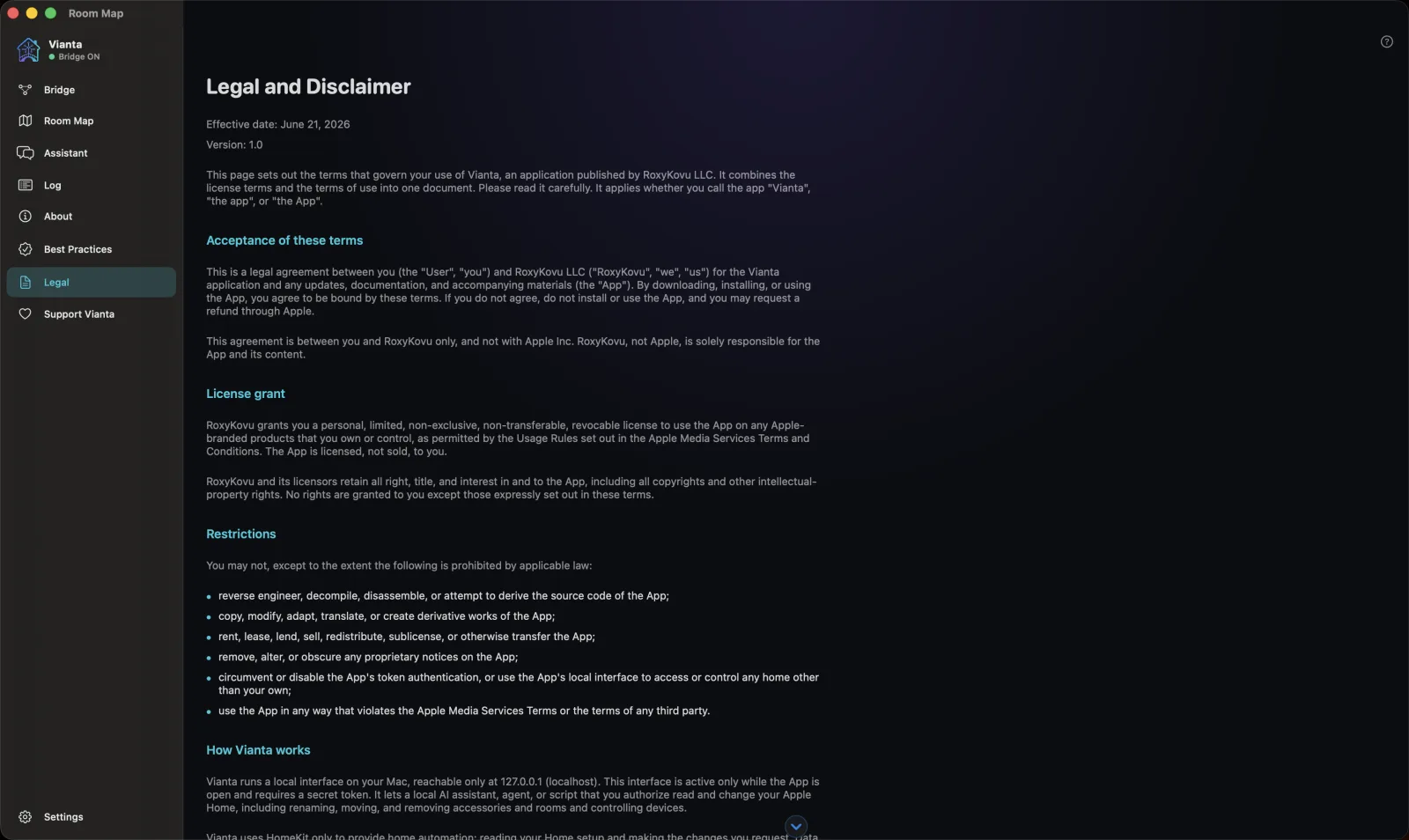
Calm control for the home you already have.
Vianta is a free Mac, iPhone, and iPad app from RoxyKovu, with the Room Map. See your whole home as a live floor plan and keep every change behind a yes. Your home data is never sent to RoxyKovu.