

SumSquare
A little number puzzle for every day.
A friendly, family-oriented math-grid puzzler for a quick Daily challenge or an unhurried Practice session. Pip is there to help while every row and column works toward its target.

Both directions have to land at once.
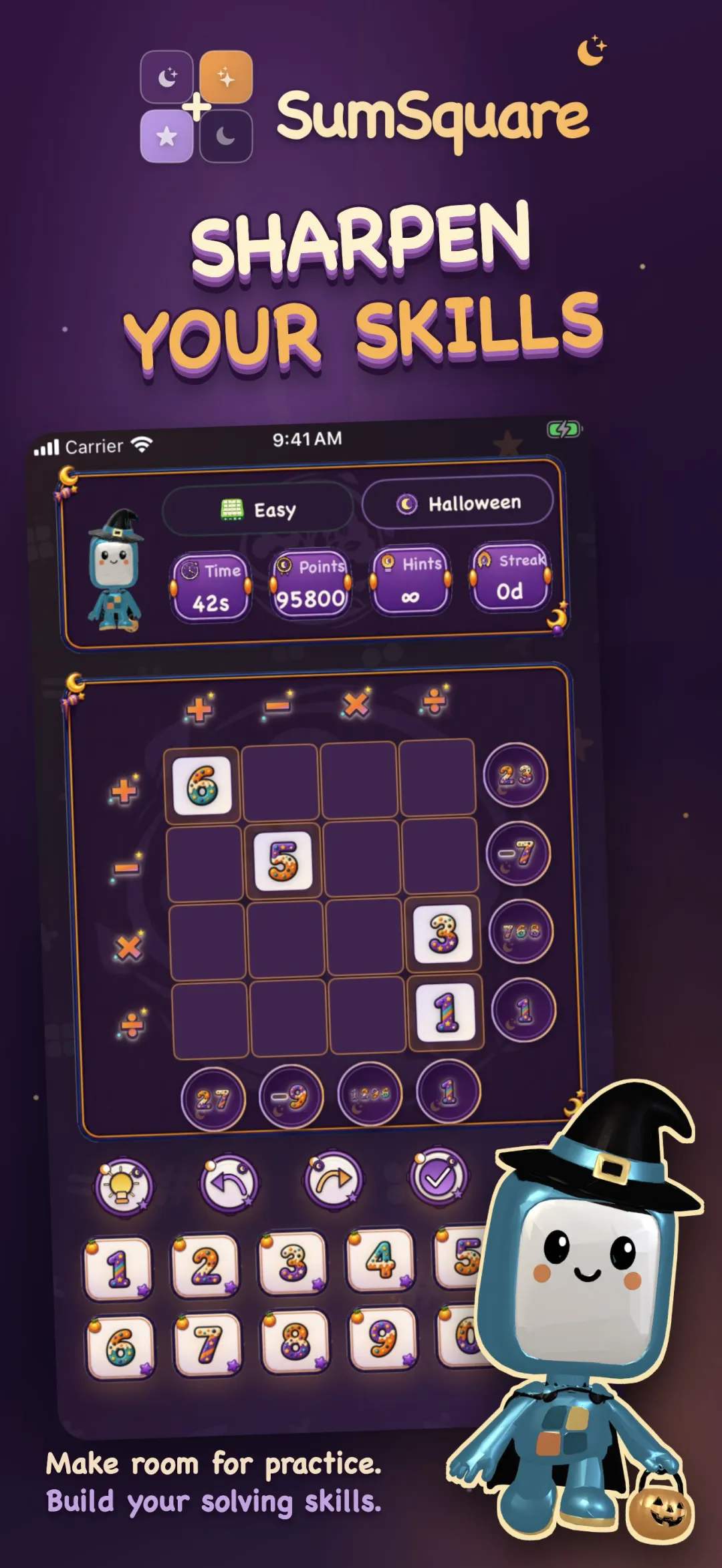
Every row and column shows an operation and a target answer.
Apply the operation in order.
Left to right along a row, top to bottom down a column. Place numbers so both directions reach their targets at the same time, which is the whole puzzle: a number that fixes a row can break the column running through it.
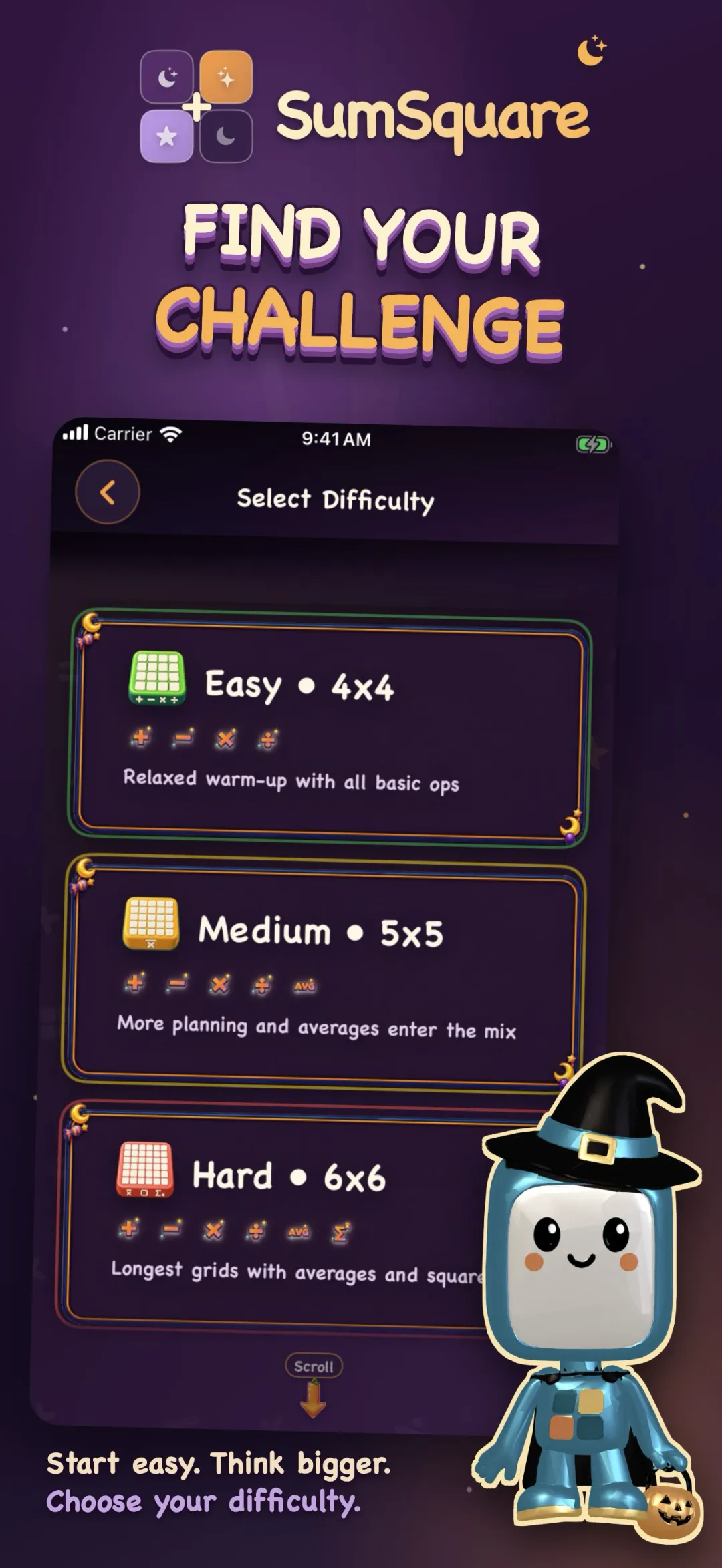
Six operations are in play. Add, subtract, multiply, divide, average, and square. The gentler grids stay with add and subtract; averages and squares arrive as the grids grow.
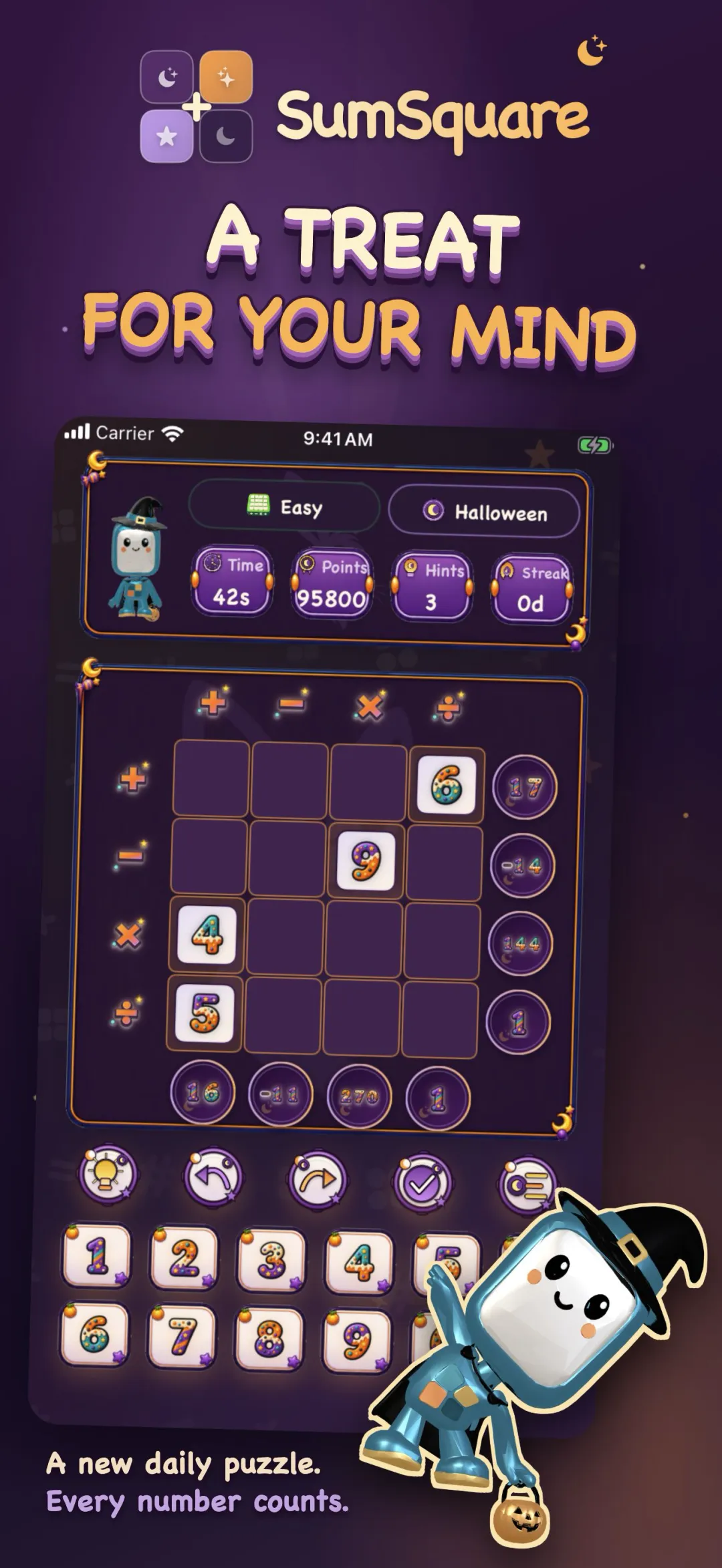
Make today count, or play at your own pace.
Two modes, and they want different things from you.
Daily Mode keeps a streak.
Choose from Very Easy, Easy, Medium, or Hard and solve that day's puzzle against the clock. The included library has 30 Daily puzzles per difficulty. Turn on a local reminder if you want the nudge, or leave it off.
Practice Mode does not.
Unlimited hints and no point drain. Take as long as you like, on any difficulty, without a clock deciding how the run went.
120 included Daily puzzles, with room to keep going.
120 included Daily puzzles
That is 30 each in Very Easy, Easy, Medium, and Hard. Gentler grids begin with add and subtract; later difficulties bring in multiply, divide, average, and square.
Four optional 60-day packs
Each pack adds 60 Daily days per difficulty, or 240 puzzles across all four difficulties. Packs are separate purchases, so you choose how far to extend the library.
Daily Club keeps the Daily going
Daily Club includes every puzzle pack while active and continues with fresh Daily puzzles after the owned library is exhausted.
Meet Pip

Pip is SumSquare's friendly guide, ready with operation explanations, hints, and useful feedback while you play.
Classic plus five seasons





Every theme brings its own Pip, its own numbers and operation symbols, and its own frames. Choose Classic, Spring, Summer, Halloween, Thanksgiving, or Winter. Let the game follow the season automatically, or pick your favorite manually in Settings.
A new tournament every Monday
A fresh tournament rotates each week, with Game Center leaderboards and a friends view so you can see where you land.
Learn by playing
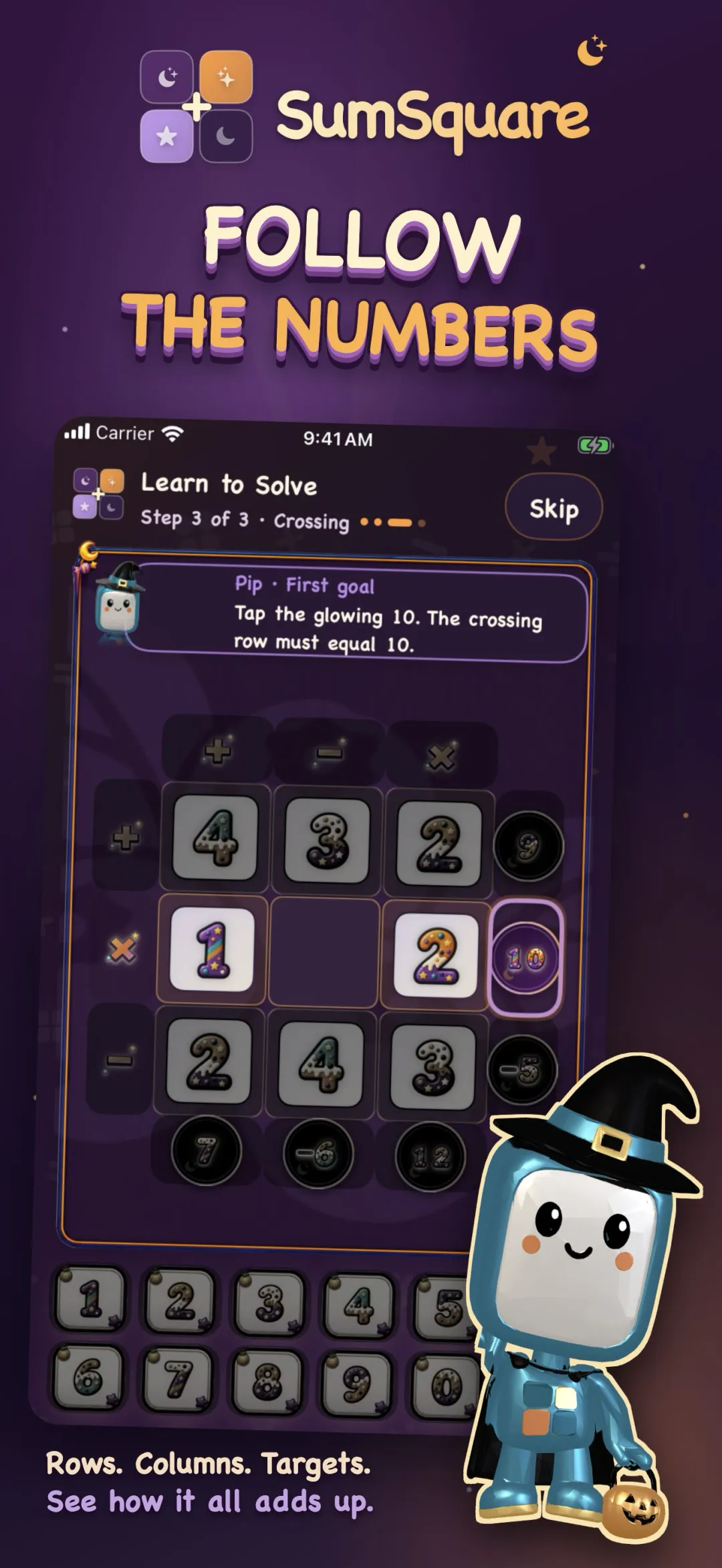
An interactive tutorial walks through row sums, subtraction and mixed operations one move at a time, so a first grid is never a cold start.
Coach Hint
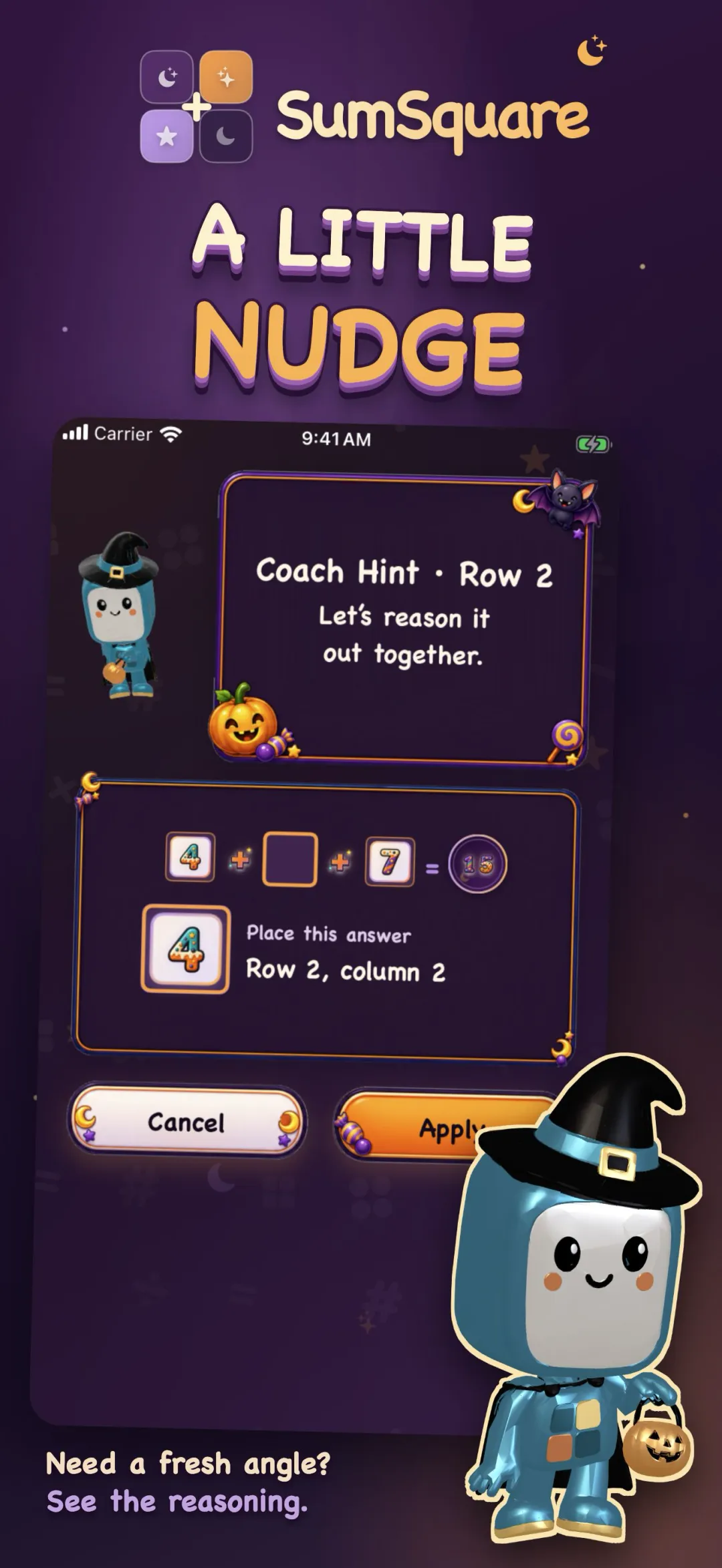
Ask for help and Pip walks you through the reasoning for one square rather than simply filling it in.
A thirty-day archive
Your last thirty daily solves stay put, and any of them can be replayed.
Tile Play, and your own stats
Drag number tiles straight onto the grid instead of tapping them in, and see how you are doing across every mode in one Player Stats overview.
Undo, Redo, Clue, Resume
Step back and forward, ask for help when a grid stalls, and leave a run part-finished to pick up later. High Contrast, Larger Text, sound, and haptics are adjustable too.
Game Center
Optional Game Center leaderboards and achievements let you compare Daily scores, celebrate streaks, and keep track of milestones.
SumSquare 2.0, as it looks today.
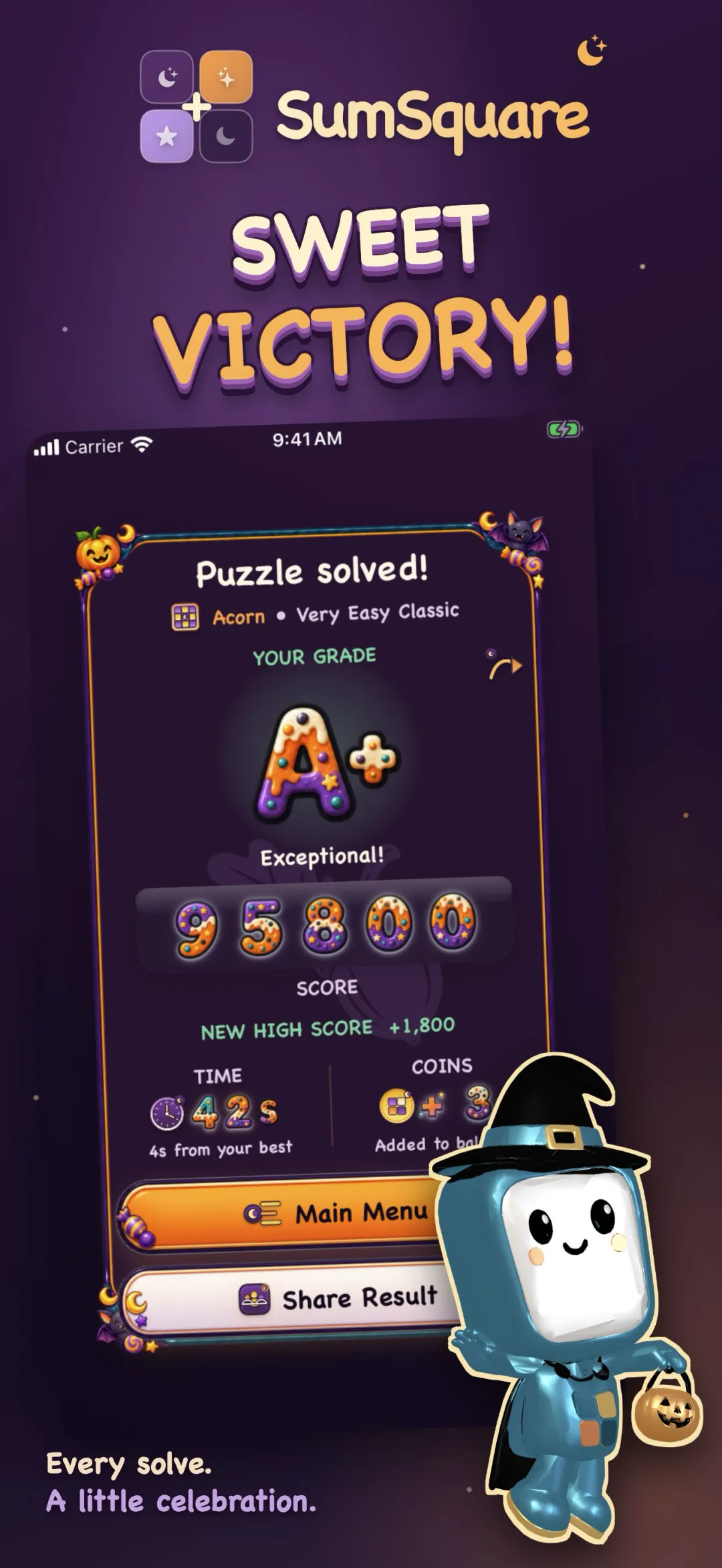
These are the current App Store screenshots. The season shown is Halloween, which is what the game picks for itself at this time of year; Classic, Spring, Summer, Thanksgiving and Winter each dress the same grid differently.
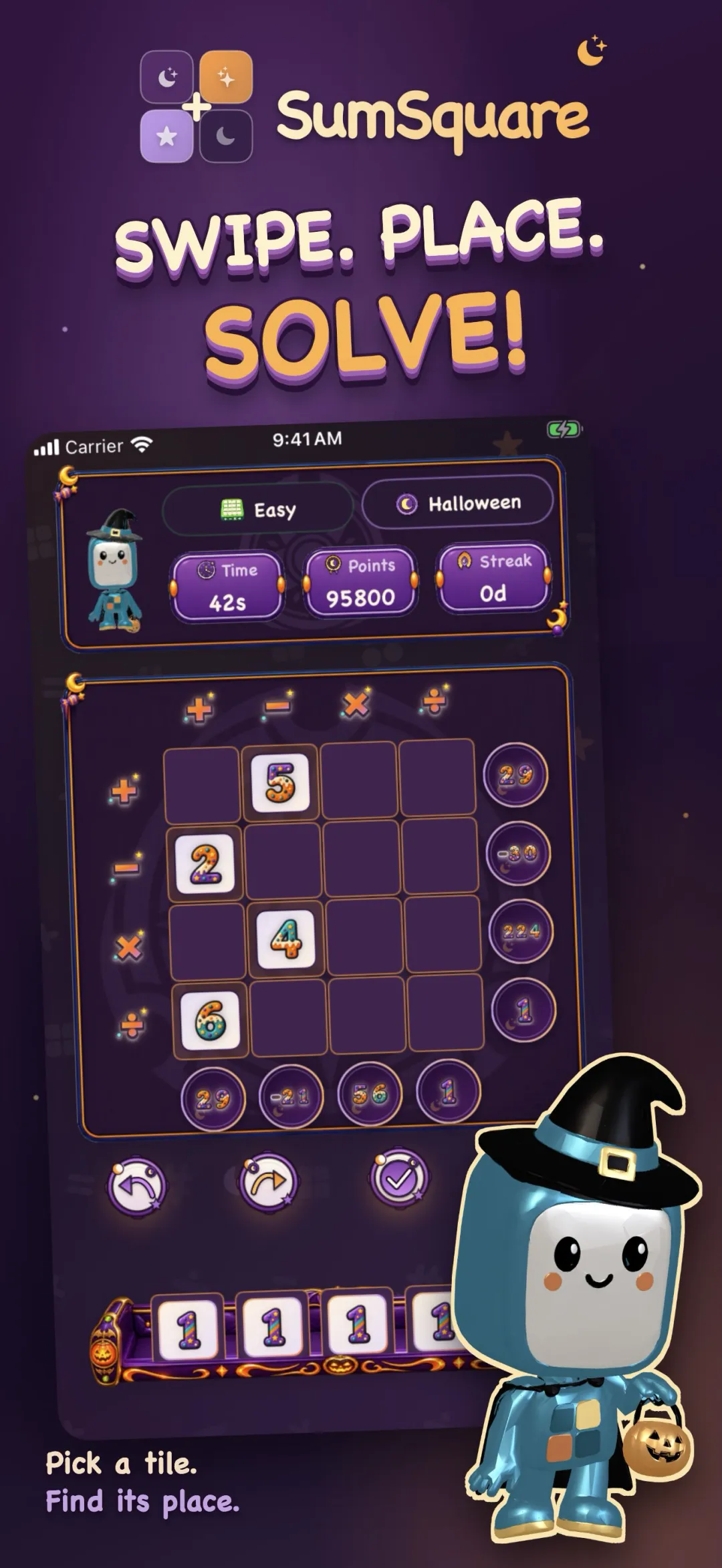
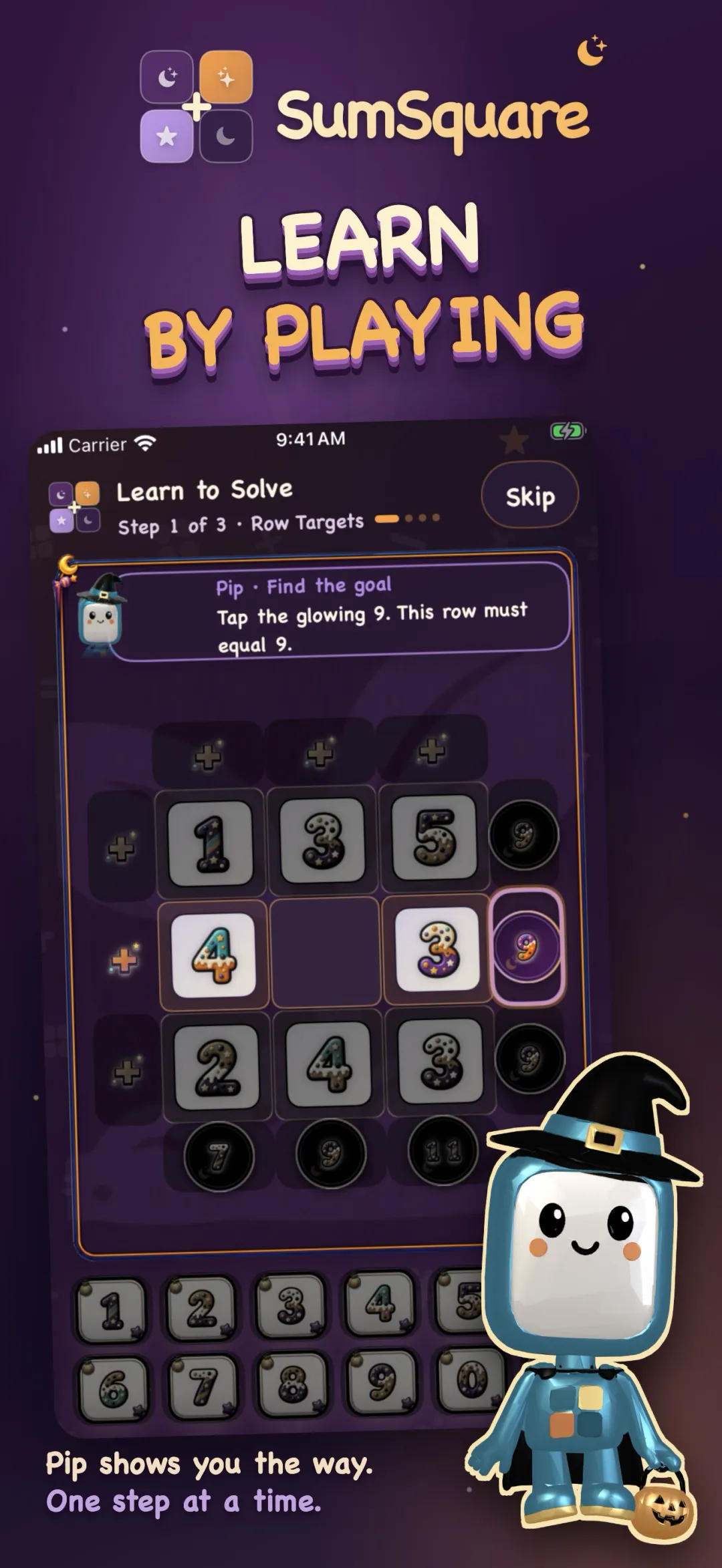
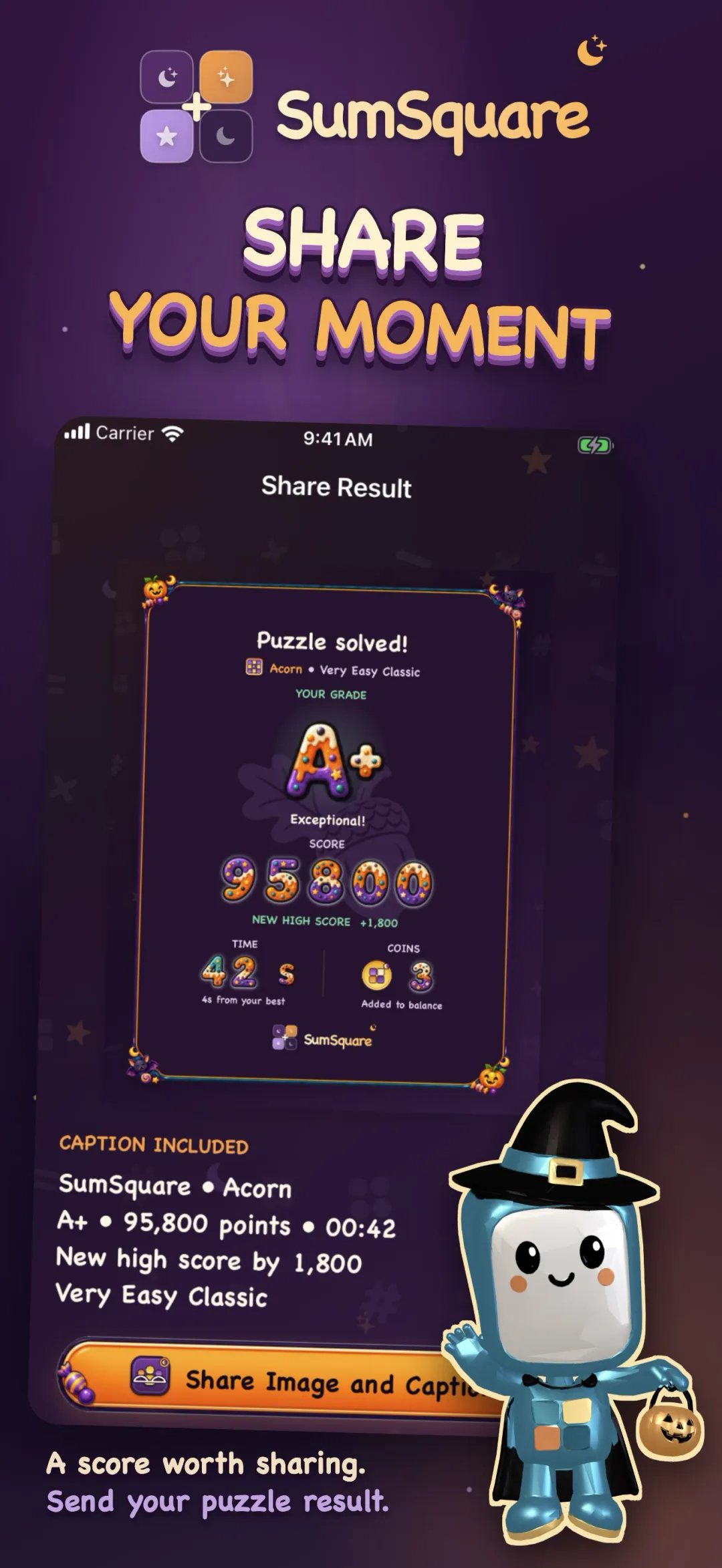
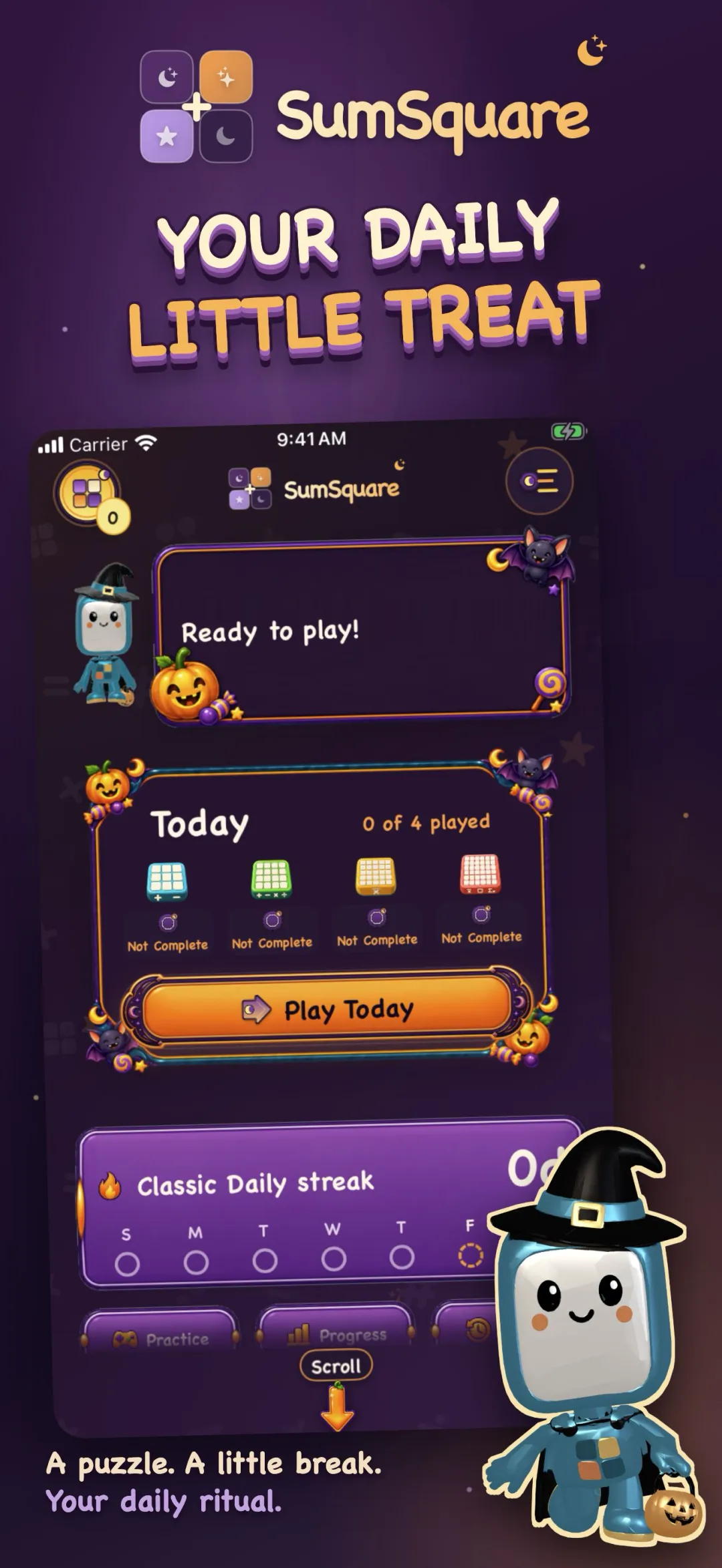
iPhone and iPad.
SumSquare runs on iPhone and iPad.
Free to download. Optional purchases include coin bundles, four 60-day puzzle packs, the Complete Puzzle Library, Remove Ads Forever, and a Daily Club subscription. Your balances, saved games, achievements and purchases are signed and verified on the device, and a purchase is never marked applied until the coins are safely saved. A full-screen ad plays at the break after some finished puzzles and you do not choose it; rewarded videos stay optional and start only when you tap Watch Ad. Remove Ads Forever, an active Daily Club subscription, or the Complete Puzzle Library turns the between-puzzle ads off.
Bring Pip along for today's puzzle.
A welcoming Daily challenge for the whole family, plus a Practice mode that never rushes you.