

Peekside
Any screen, on the next screen.
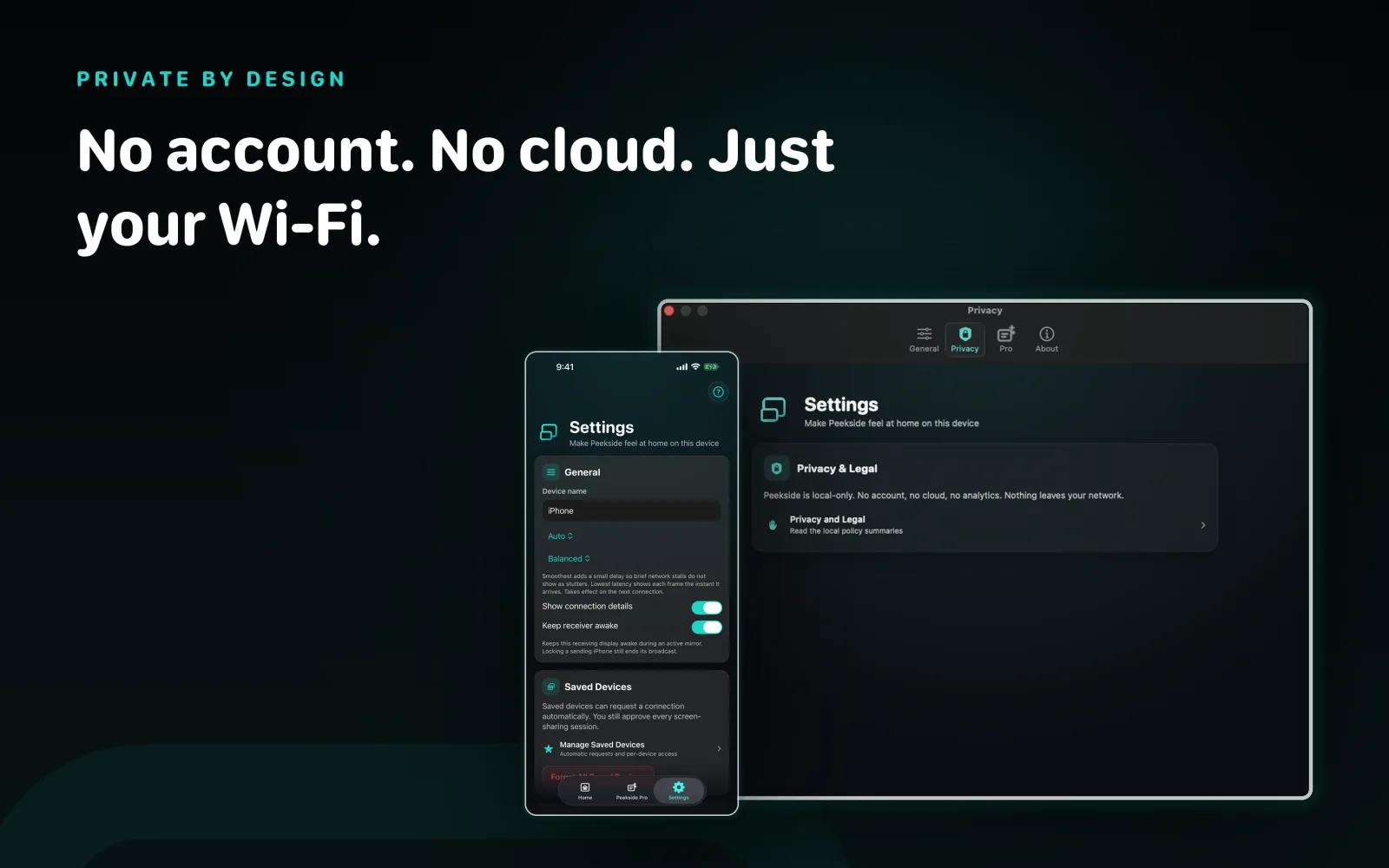
Put an iPhone, iPad, or Mac screen on any of the others, over your own Wi-Fi. Nothing is uploaded, there is no server in the middle, and there is no account to create.
One screen on the next, over your own Wi-Fi.
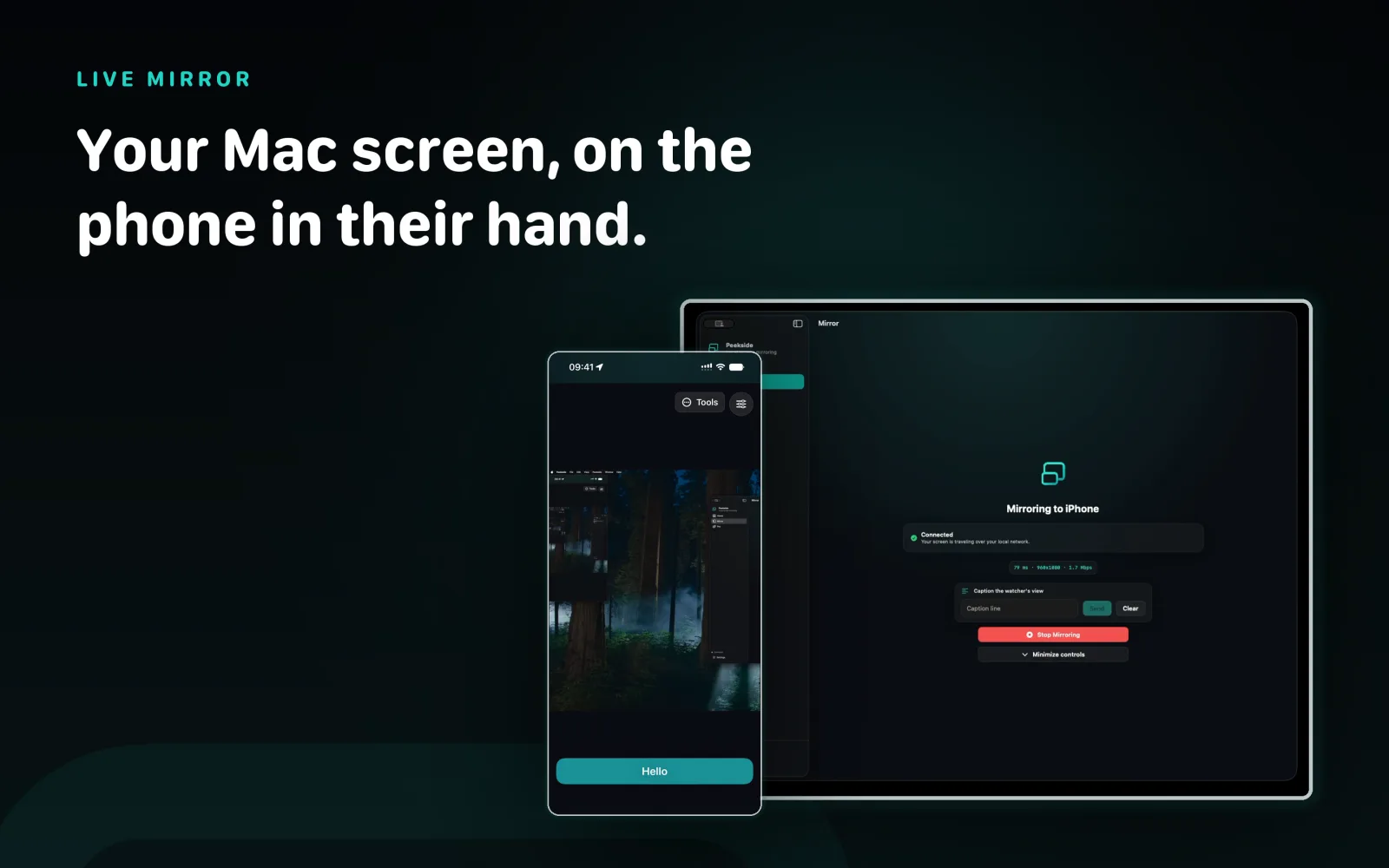
Peekside puts one screen on another screen. An iPhone, iPad, or Mac can send. An iPhone, iPad, or Mac can watch. Every pairing works, so a phone can mirror to another phone just as easily as to a Mac. The picture goes straight from one device to the other and stops there.
iPhone, iPad, or Mac. Any of them can send.
Most mirroring apps run one direction, phone to computer. Peekside does not care which way round it is.
Send from anything, watch on anything.
Mirror an iPhone to an iPad, an iPad to a Mac, a Mac to a phone, or a phone to another phone. Every combination is a real path, not a special case, and the audio travels with the live picture, app audio from an iPhone or iPad and system audio from a Mac.
Quality adapts as Wi-Fi conditions change, a connection readout shows latency and bitrate while you watch, and a brief network hiccup reconnects on its own. There is no watermark and no session time limit imposed by Peekside.
Pair once. Then nothing starts without a yes.
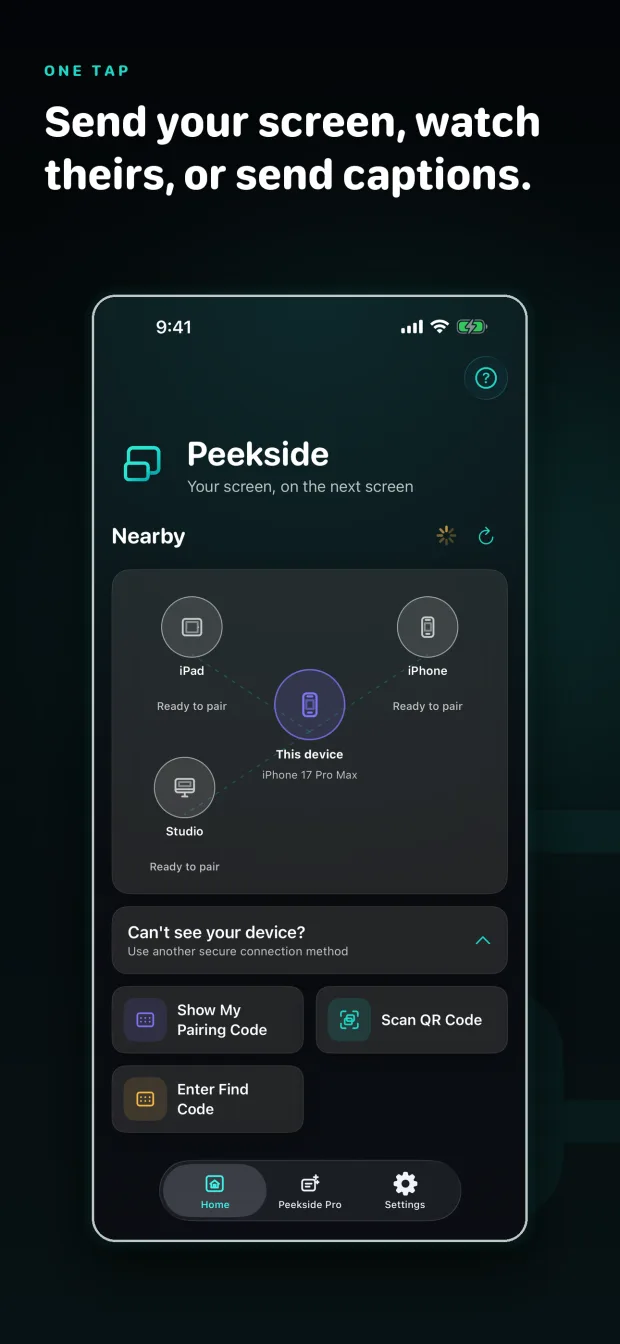
Pairing happens one time, by scanning a QR code or typing a six-digit Find Code. Both devices then show a Safety Code you can compare.
The other device always decides.
After pairing, tap a device and pick what you want: send your screen, watch theirs, or send captions. Nothing begins until the person on the other end allows it on their own device, every single session.
On iPhone and iPad, sharing always starts through Apple's own broadcast picker, so the system is in the loop too. You can forget a paired device from Settings at any time.
Send a line to the other screen.
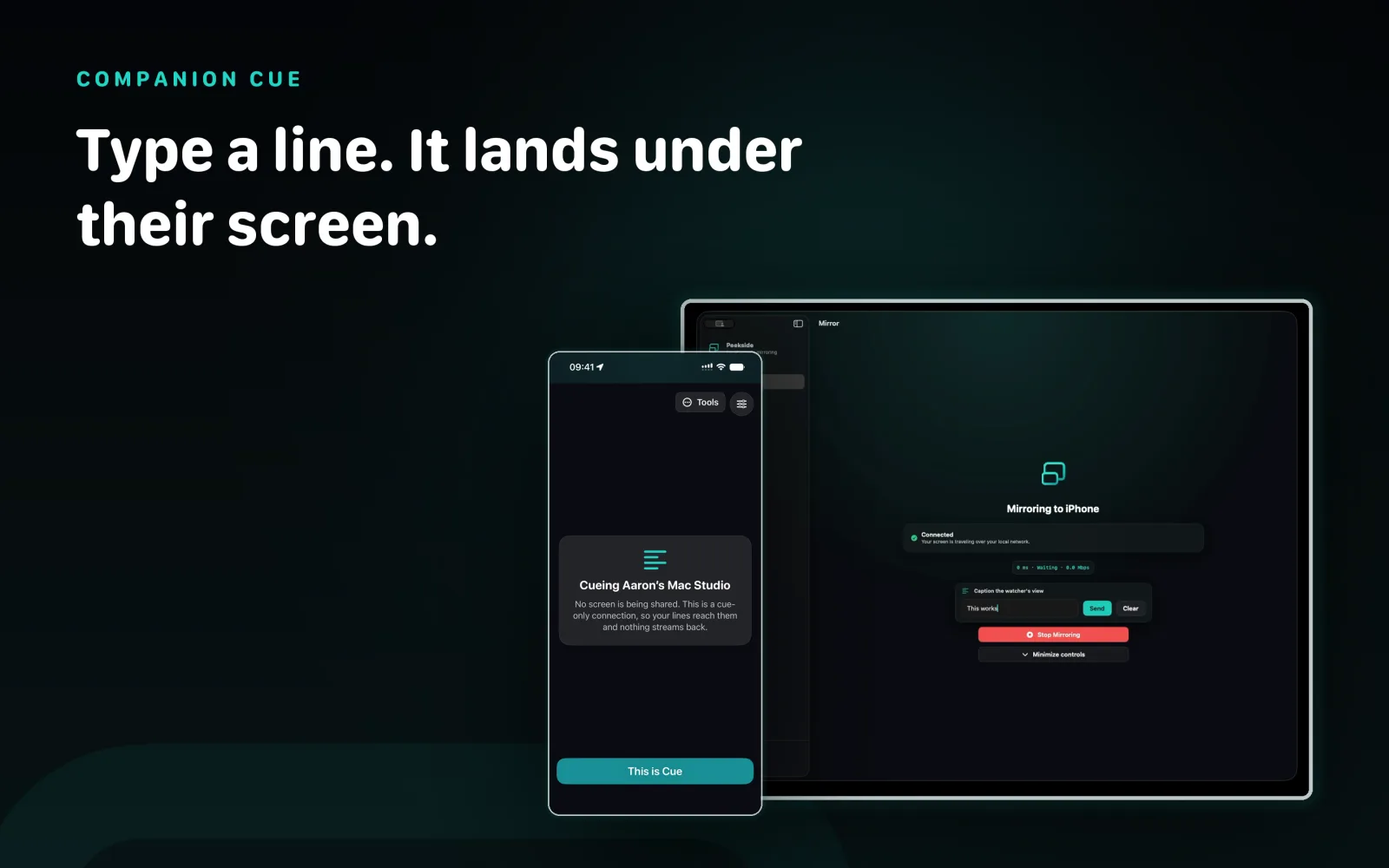
Type a line and it appears along the bottom of the watcher's screen until you replace it or clear it.
One line, one direction.
Companion Cue is text from the sharer to the watcher and nothing more. The watcher never types back. It is useful for a quiet instruction during a walkthrough, or a note on a screen someone else is reading.
A phone sends its screen or its captions, one or the other, not both in the same session. A Mac can send both at once, because screen capture on iPhone and iPad runs in a separate system process that cannot be handed a caption.
Nine tools, one purchase.
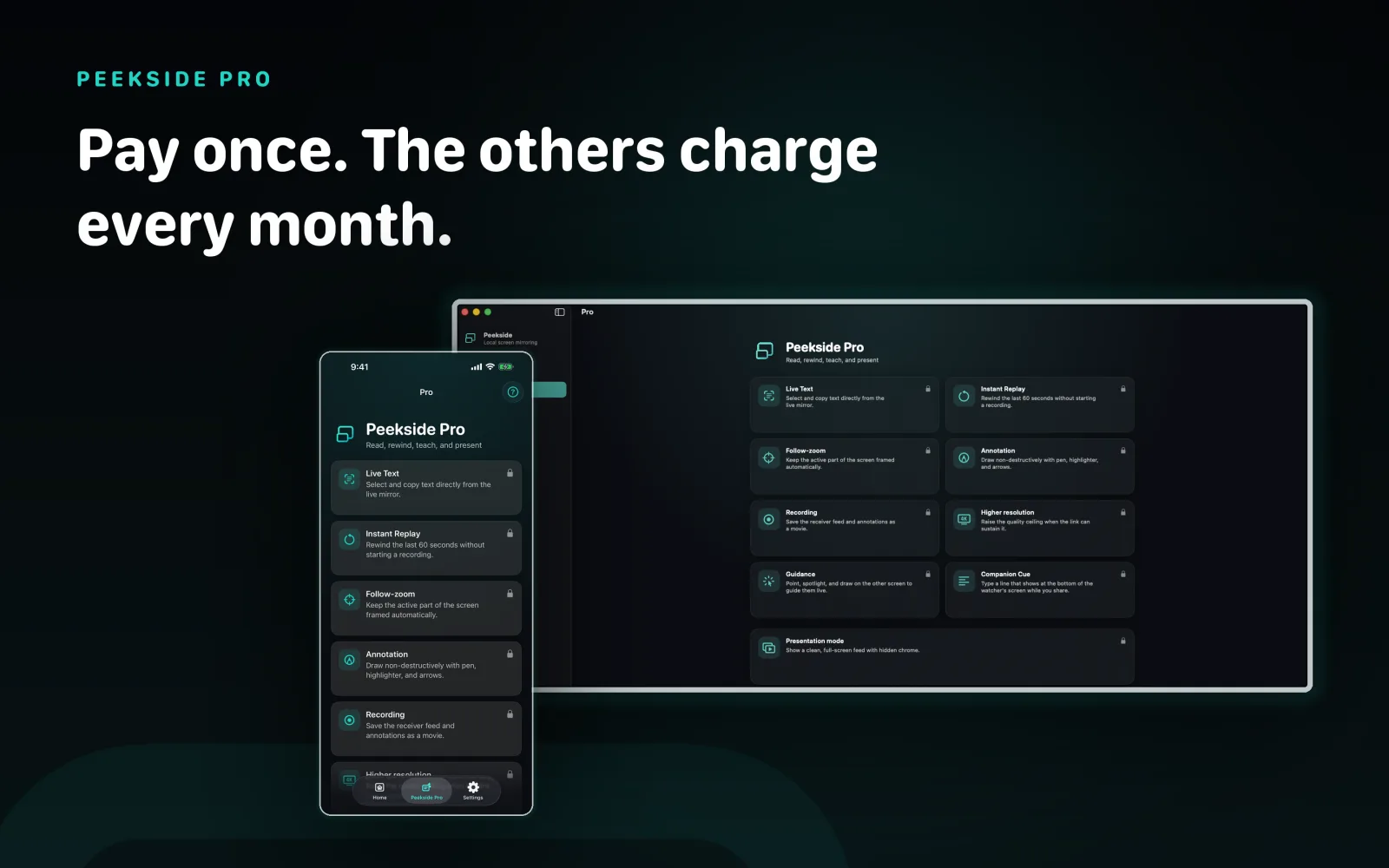
Mirroring is free. Peekside Pro adds the tools you reach for when you are teaching, fixing, or presenting.
- Live Text, copy text straight out of the moving picture
- Instant Replay, rewind the last 60 seconds without recording
- Follow-zoom, keep the busy part of the screen framed
- Annotation, draw on the feed with pen, highlighter, and arrows
- Recording, save the feed and your annotations as a movie
- Higher resolution when the link can carry it
- Guidance, point and draw on the other screen to walk someone through something
- Companion Cue, type a line that appears along the bottom of their screen
- Presentation mode, a clean full-screen feed with the controls hidden
Nothing is uploaded.
There is no server in the middle and no account. The picture travels directly between your two devices over your own Wi-Fi, secured with mutual TLS.
It cannot leak what it never carries.
Peekside collects no personal data, no usage data, no diagnostics, and none of your mirrored screen content. There are no analytics, no third-party SDKs, no crash reporting, and no tracking.
The only thing that leaves your network is Apple's own StoreKit traffic when you buy Peekside Pro, and Apple handles that. The developer never sees your payment details.
No account
Nothing to create, nothing to sign in to, nothing to delete later.
No server
Device to device on your own network. It does not work over the internet, by design.
Permissions you grant
Local Network for discovery, Camera only to scan a pairing QR code, and on Mac, both Screen Recording and System Audio Recording, which macOS asks for separately, so Peekside can share the display you choose. Those four, and nothing else.
Two devices, one Wi-Fi.
iPhone and iPad
iOS 17 or later, iPadOS 17 or later.
Mac
macOS 14 or later. A native Mac app, not Catalyst and not Designed for iPad.
Network
Both devices on the same Wi-Fi. QUIC over the local network, secured with mutual TLS. One receiver at a time.
Getting help with Peekside.
Most problems come down to the two devices not being on the same network, or a session never being allowed on the receiving end.
The other device does not appear
Both devices must be on the same Wi-Fi network, and Peekside needs Local Network permission on each of them. Guest networks and client isolation will block discovery.
The screen is black
Protected video is blocked by the operating system, not by Peekside. The rest of the screen still mirrors normally.
Sharing stopped on its own
An iPhone or iPad broadcast ends when the sending device locks. Start it again from Apple's broadcast picker.
Still stuck
Email support@roxykovu.com or use the contact form. Include both device models, both OS versions, which device was sending, and the step where it went wrong.
Please do not send pairing QR images or screenshots containing sensitive content.
Put your iPhone screen on your iPad or Mac.
Free to mirror, with an optional one-time Peekside Pro purchase. No account, no cloud, no watermark, and no time limit. On the App Store now.