
 Bear
Bear
The deep thinker
"Is it bigger than a bear?"
Pick a word.
Ask 20 questions.
A family party word game, built for game night on the big screen. Battle an on-device AI opponent powered by Apple Intelligence, host TV Group Play on your Apple TV with voice transcription, or send a round inside iMessage.

Free · 19 languages · iPhone, iPad, Apple TV, Messages
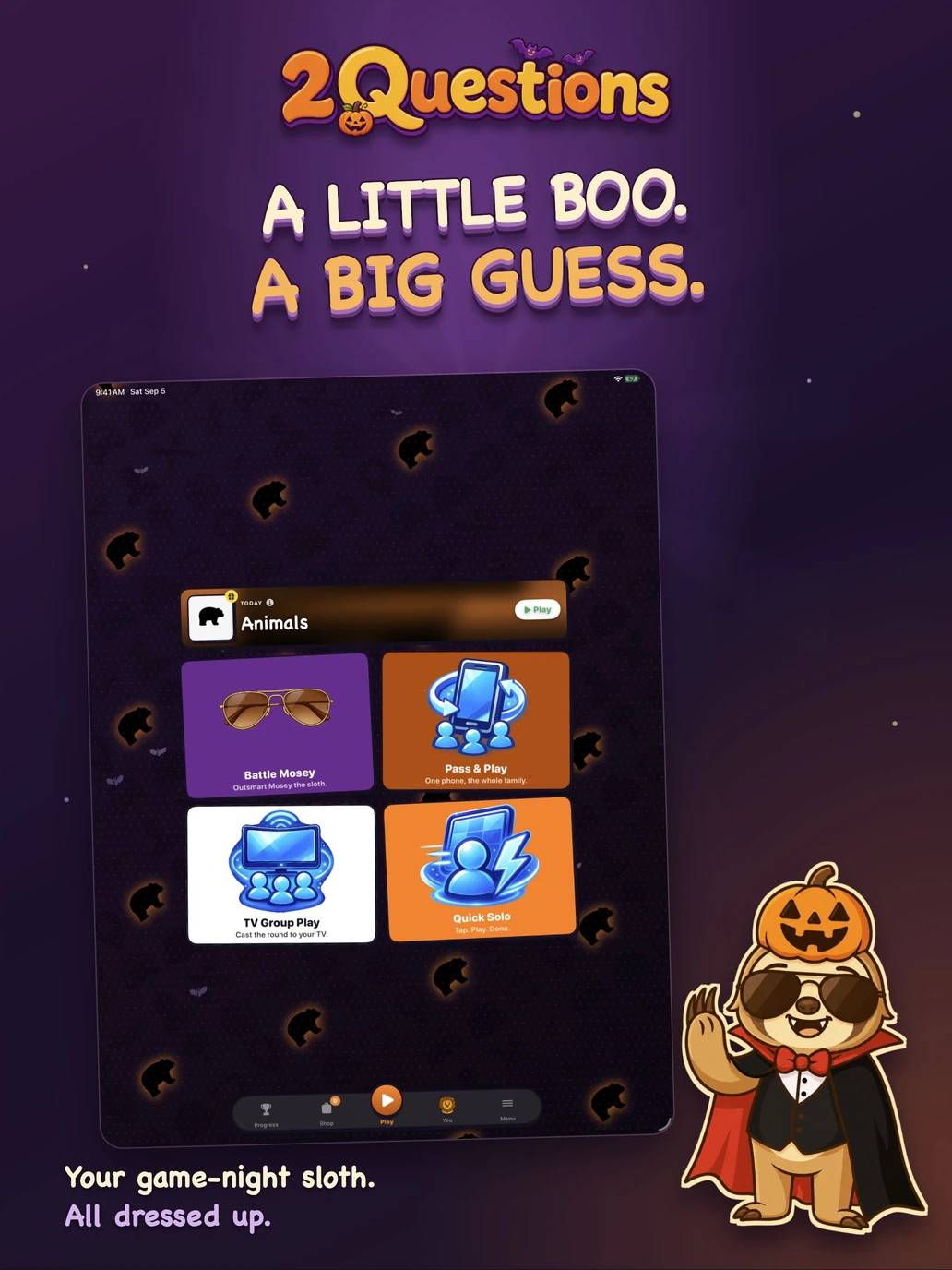
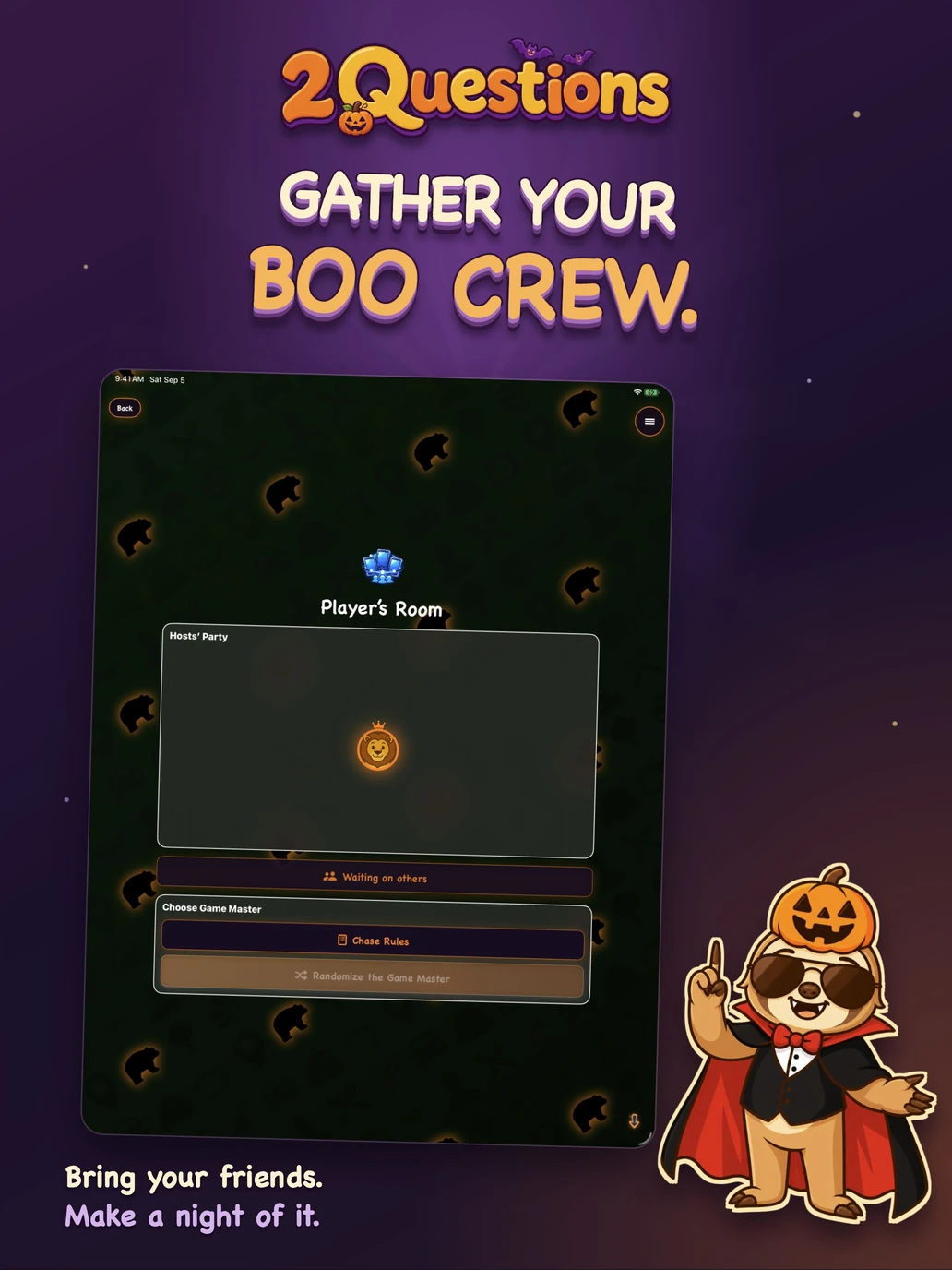
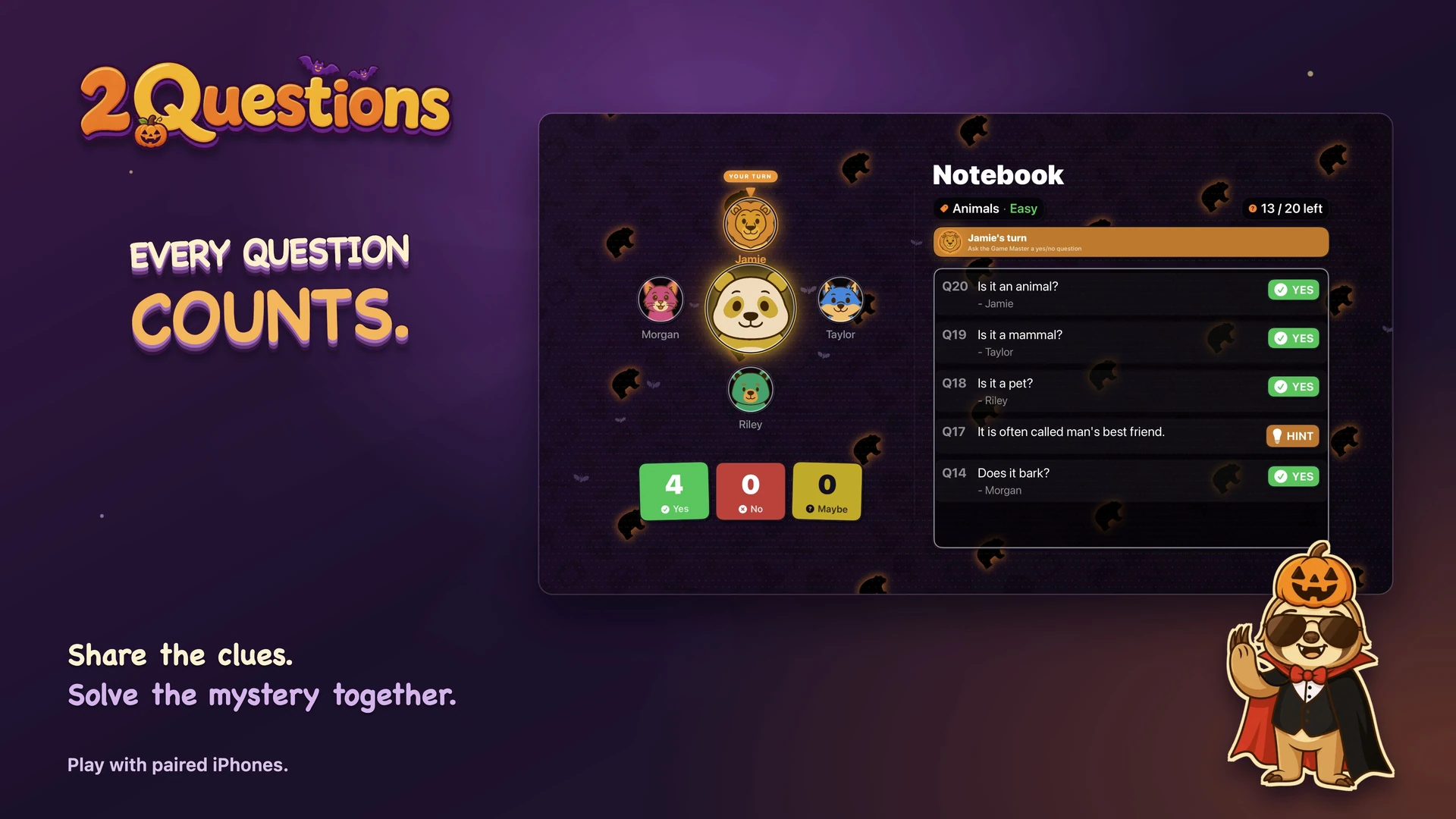
Pass-and-play on one device, or use multiple iPhones and iPads in the same room. One player keeps the secret. Everyone else closes in on it.
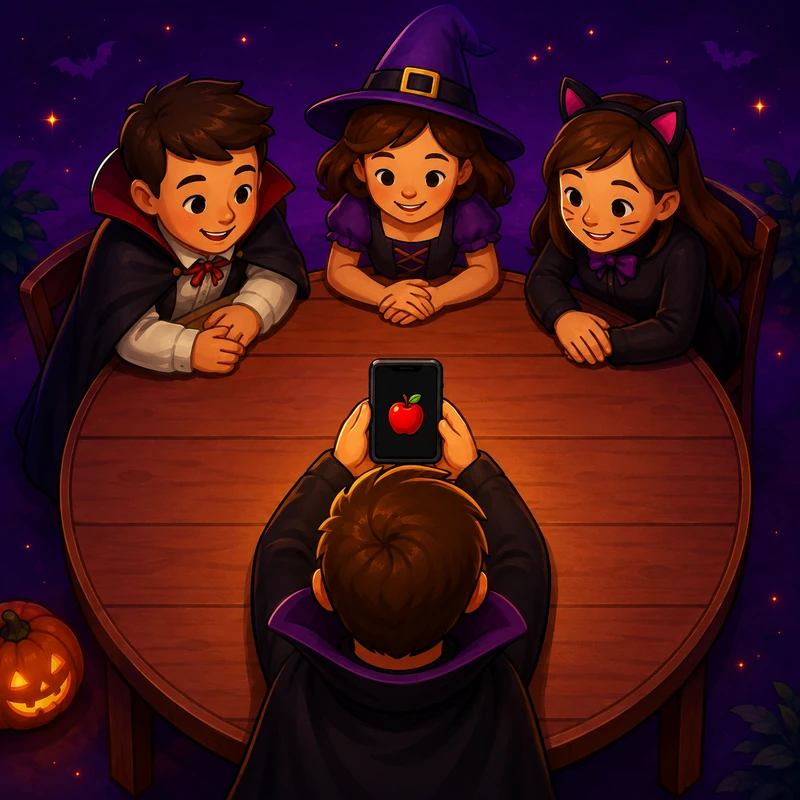
The host picks the secret. A cross-device chase mini-game decides the Game Master automatically. No arguing.
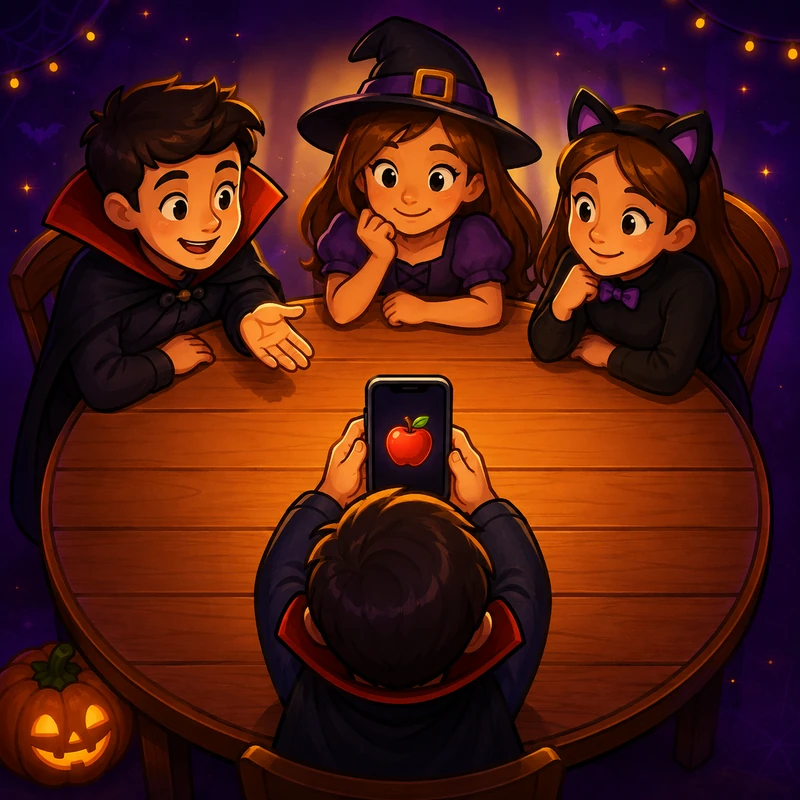
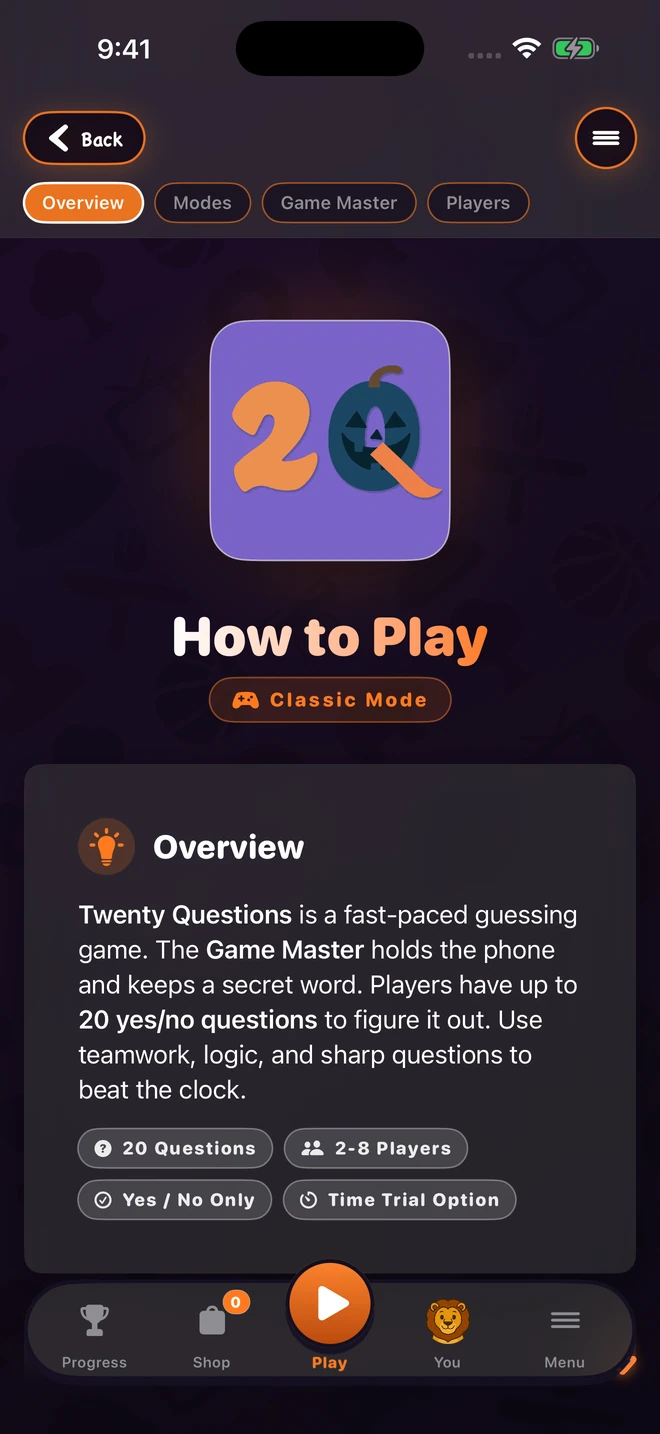
Players take turns asking yes-or-no questions and uncover the secret. Easy for kids. Medium for casual. Hard for challenge night.

The world's first 20 Questions opponent powered by Apple Intelligence. Mosey's reasoning runs on-device using Apple's Foundation Models. When Mosey needs a fact it does not already have, it looks the secret item up on Wikipedia, so that item's name is in the request; your questions are not. Mosey reasons, drops clues, and answers honestly. Try to outsmart it.
13 categories, 3 difficulties: Animals, Food & Drink, Movies & TV, Music, Sports, Vehicles, Famous People, Holidays, Nature, Occupations, Objects, Places, and Surprise Me. Free categories stay free. Premium category packs unlock from the main app and sync to Messages automatically.
Eight party animals for your 2Q profile, right beside your badges, frames, and Game Center achievements.
Bear
The deep thinker
"Is it bigger than a bear?"
 Cat
Cat
The skeptic
"I have nineteen more questions."
 Dog
Dog
The optimist
"Is it a ball? It's a ball."
 Fox
Fox
The strategist
"Ask smarter, not harder."
 Lion
Lion
The game master
"Somebody has to run the room."
 Panda
Panda
The wildcard
"Is it edible? Asking for me."
 Tiger
Tiger
The speedrunner
"Six questions. That's all I need."
 Wolf
Wolf
The team player
"The pack guesses together."
A comic-book visual makeover for the whole game, now with Game Center: 24 achievements, stackable badges, and equippable profile frames. One game, four screens.
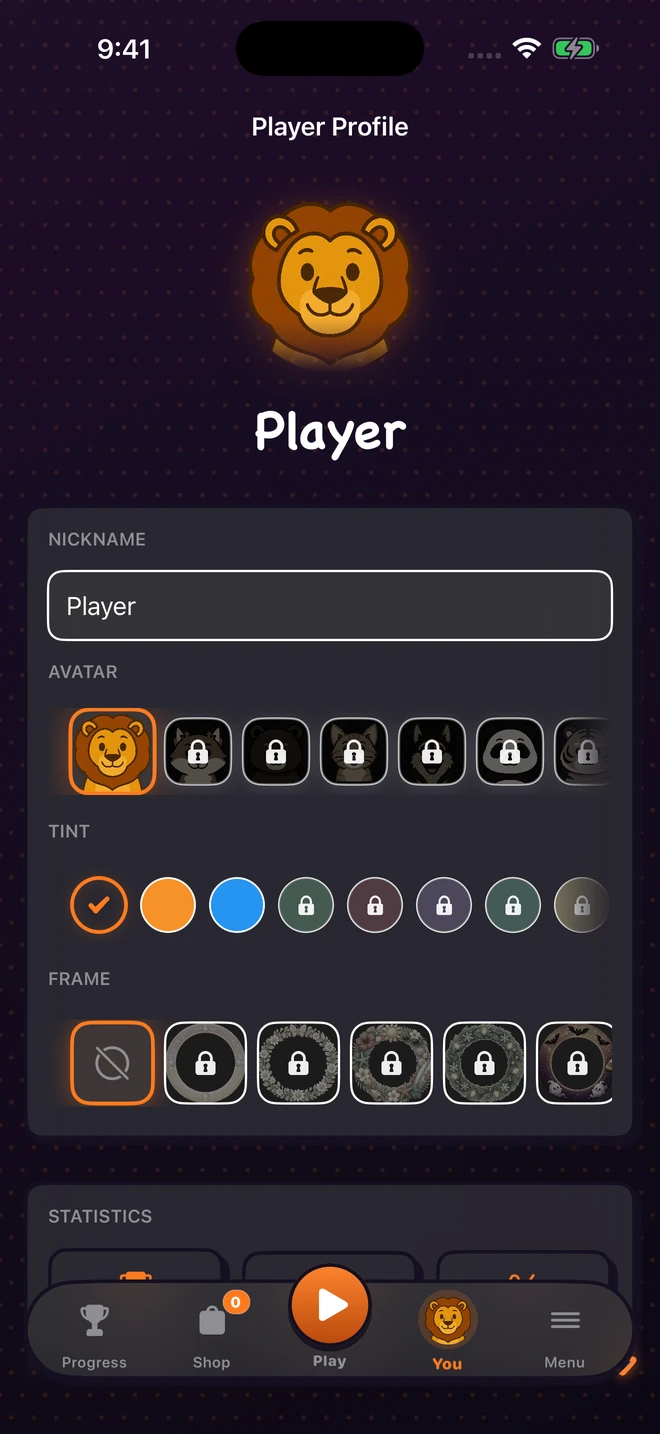
Earn Game Center achievements, stack badges, and equip profile frames. Track your progress, streaks, and achievements from your 2Q profile.
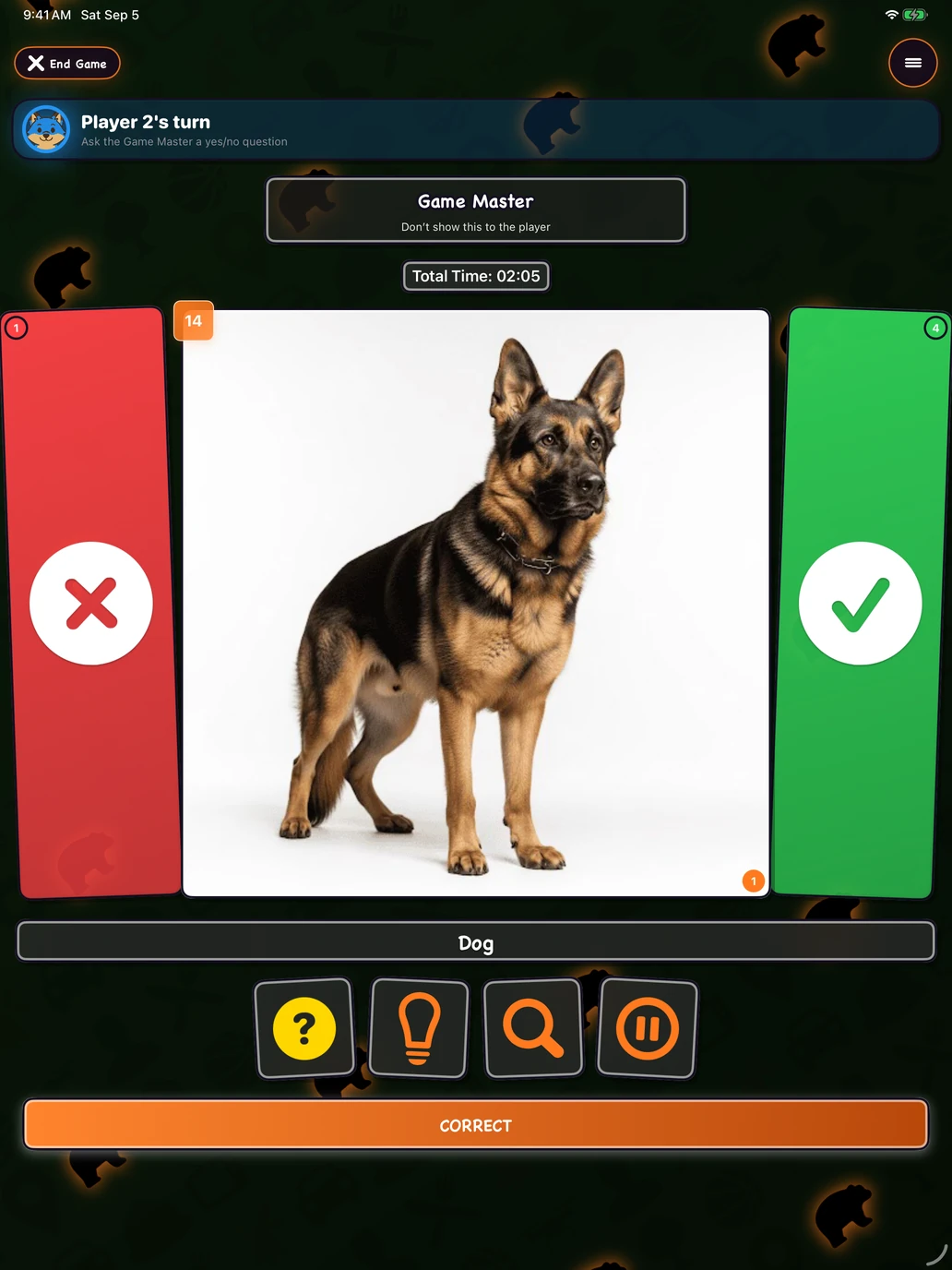
Coffee table party. Couch coop. The same game, a roomier layout. Game Master holds the iPad, players gather around. Or pair phones for multi-device rounds with iPad as the hub.
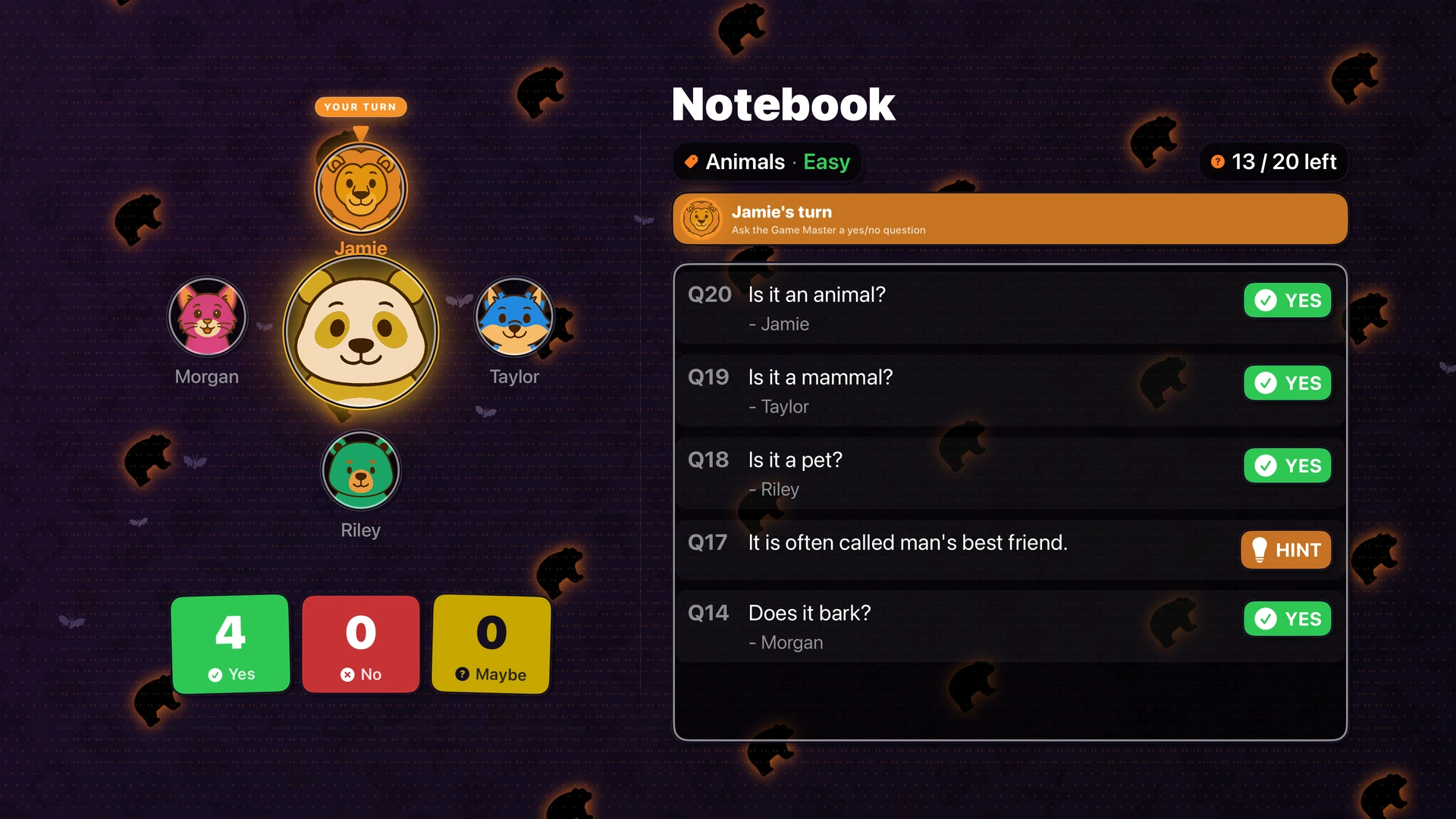
Mirror to your Apple TV. Players use their own iPhones as buzzers. Speech-to-text turns every spoken question into on-screen text. Up to eight players, big-screen UI, party-ready. The Apple TV variant is offline, ad-free, and AI-free: a passive host for the iPhone-driven game.
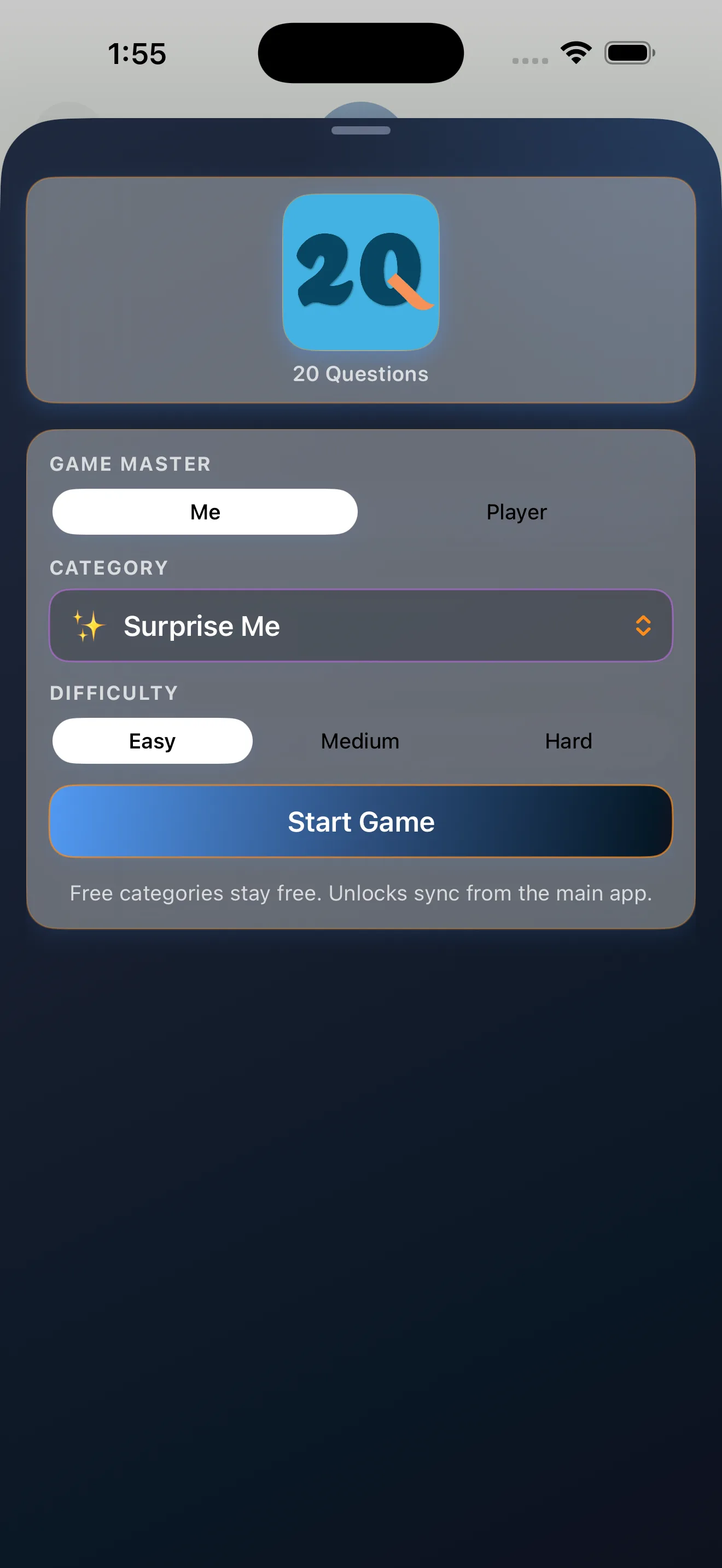
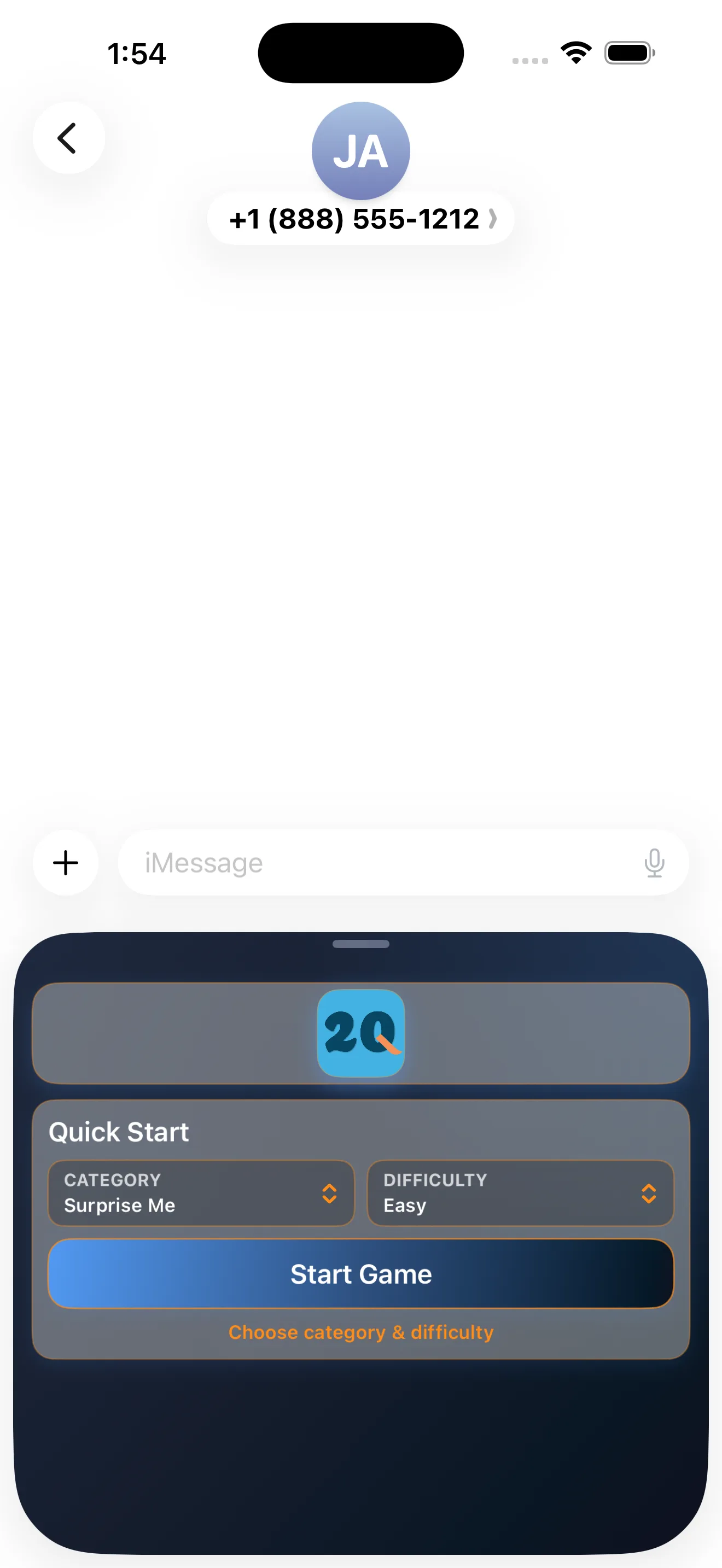
Send a quiet game to anyone in your contacts. They open the bubble, take turns, hand off Game Master, and keep score across rematches. The whole game state lives inside the bubble itself. No app required for the recipient. Works in any iMessage conversation.
Solo, pass-and-play, multi-device chase, big-screen party rounds on Apple TV, and a quiet round sent in Messages.
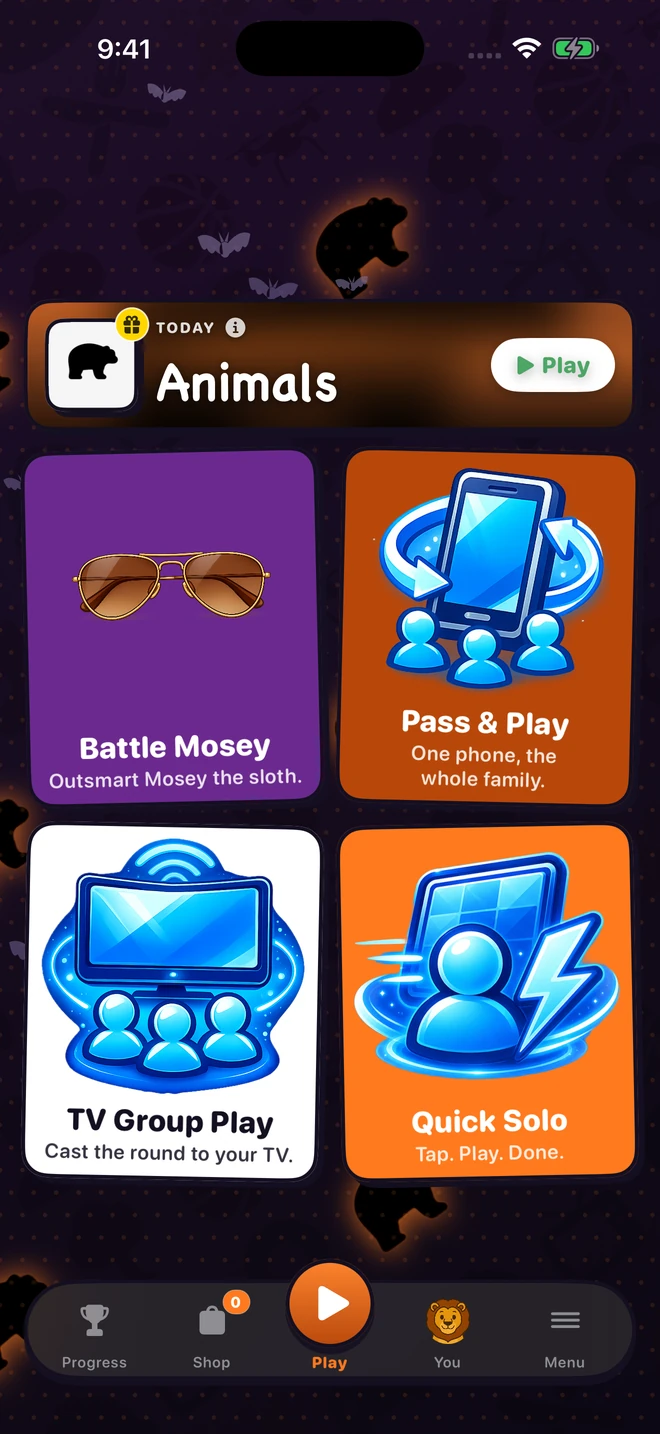
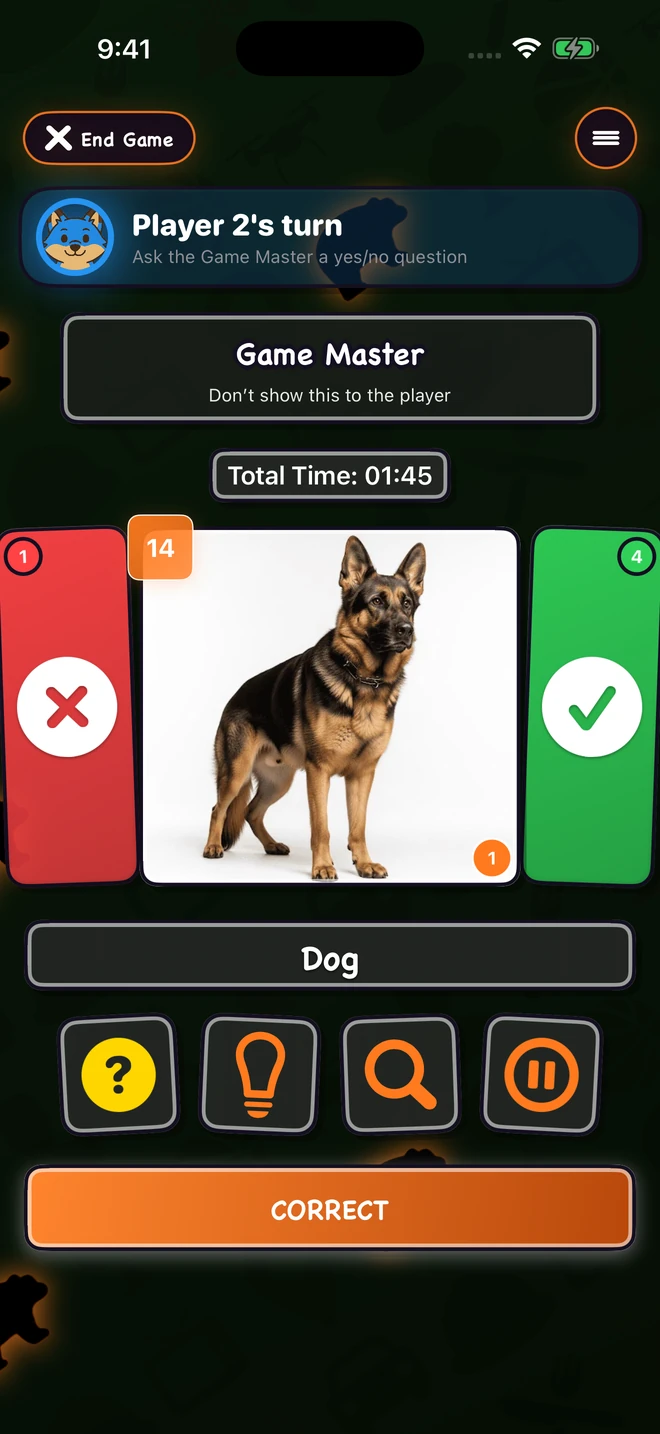
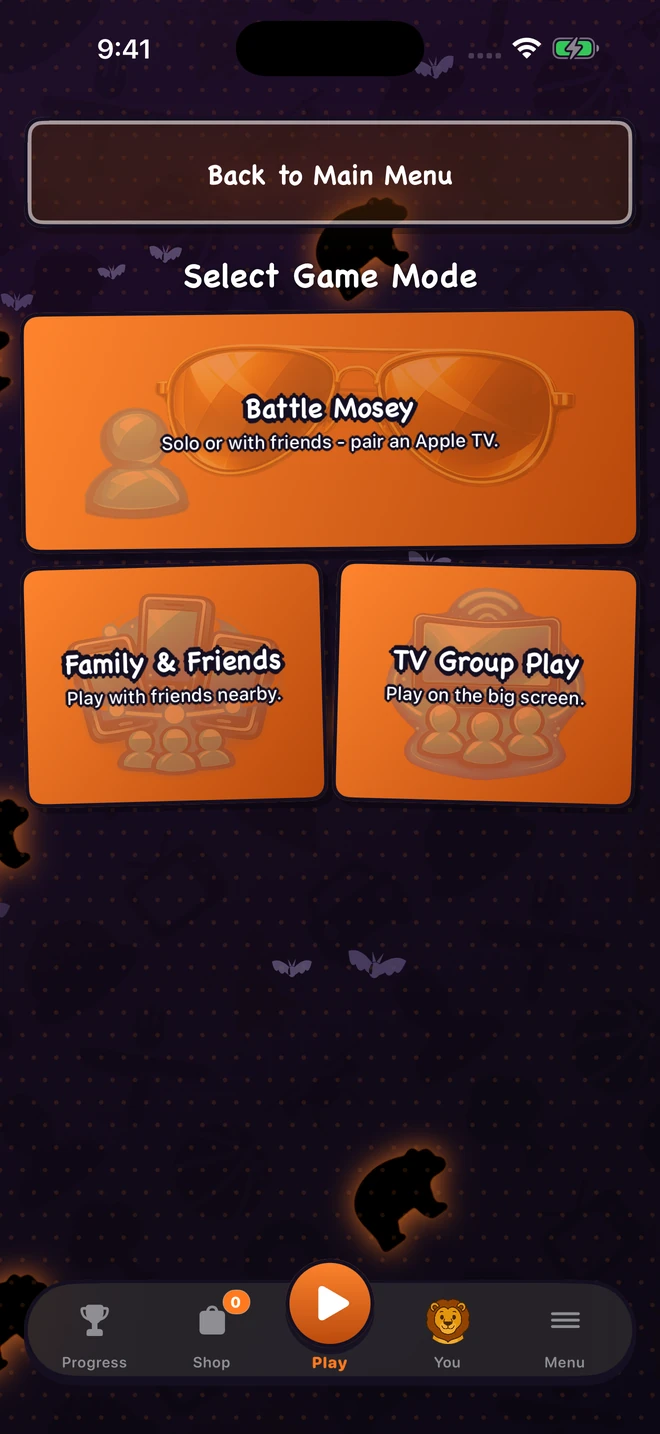
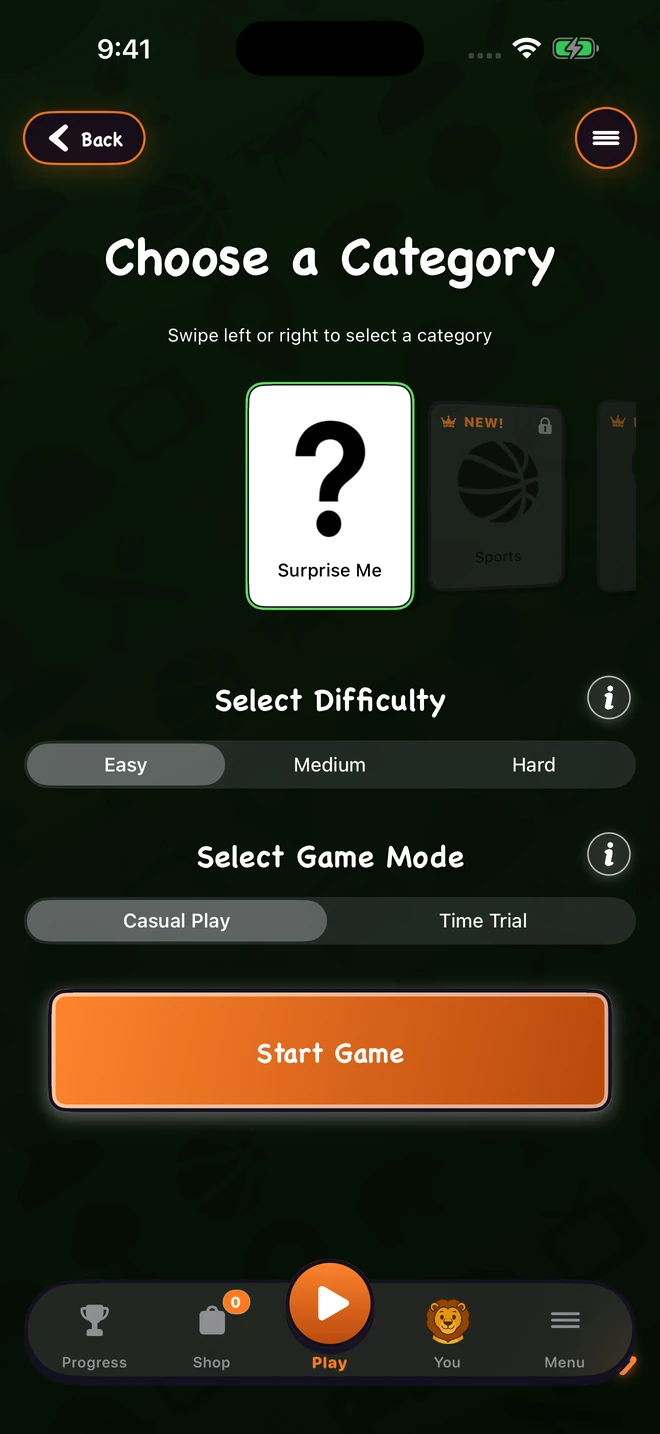
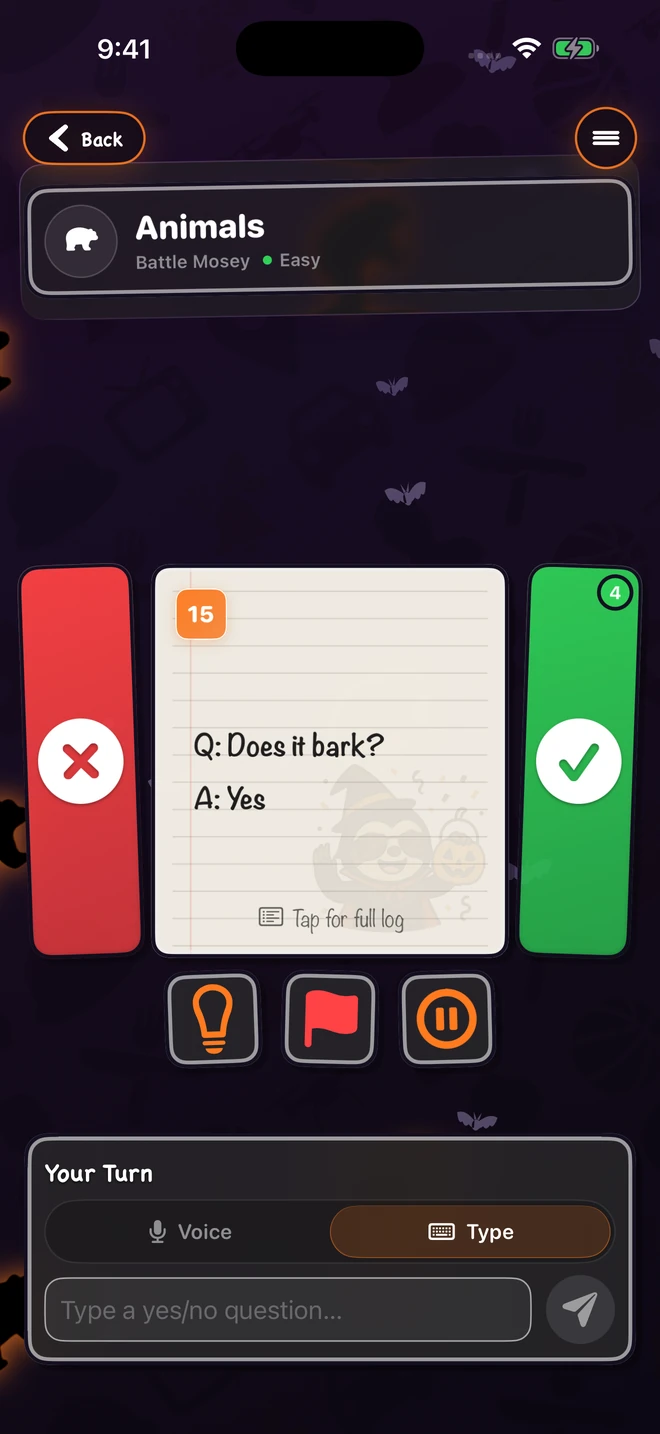
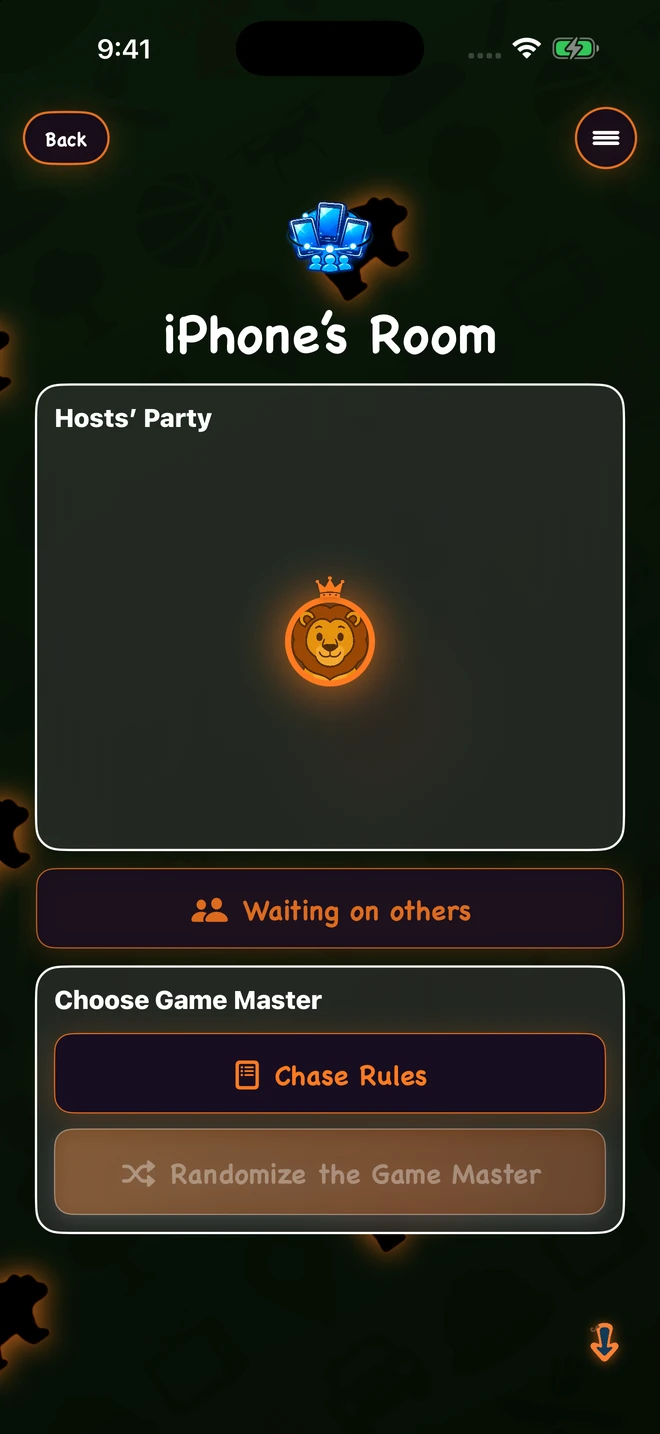
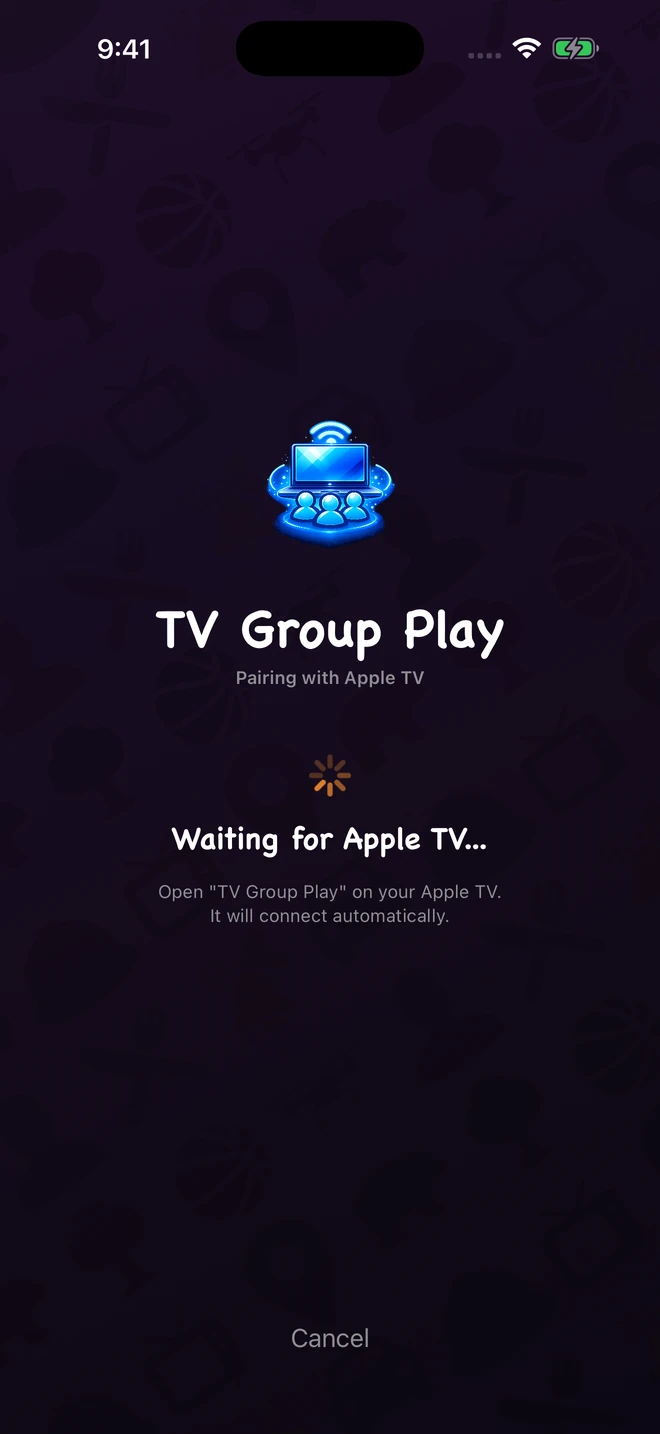
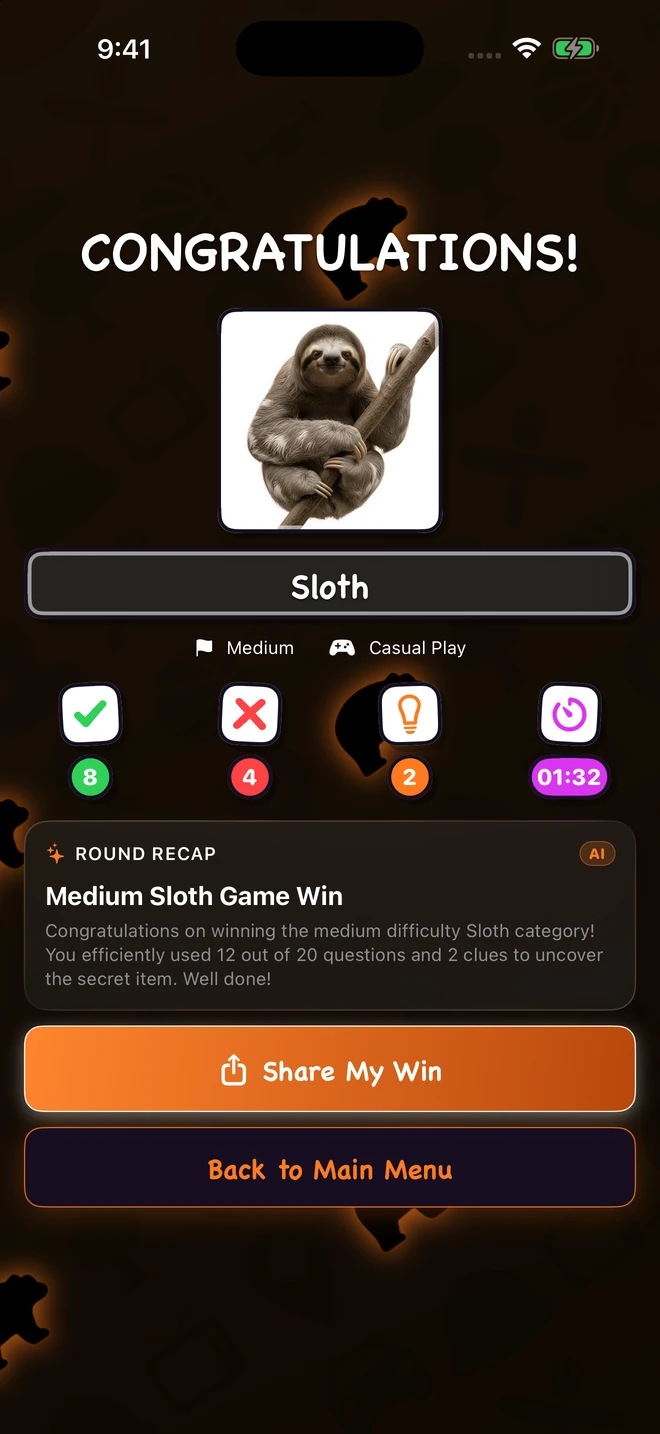
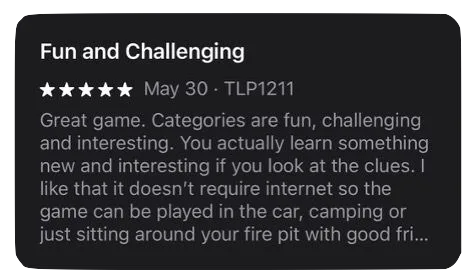
Straight from the App Store.
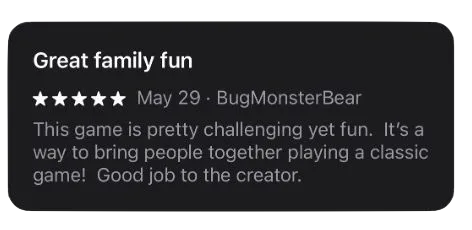
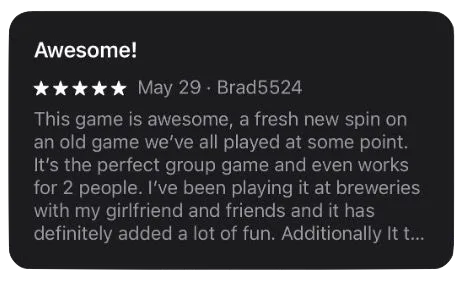
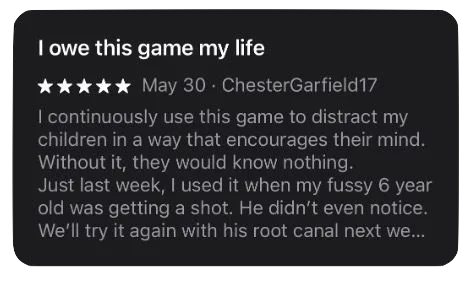
Free to play and family-friendly. 13 categories, 3 difficulties, four screens, plus Game Center achievements, badges, and profile frames. Optional category packs and a 2Q Premium subscription unlock the full library when you're ready. Localized in 19 languages, including Arabic, German, Spanish, French, Hindi, Indonesian, Italian, Japanese, Korean, and Dutch.